Most offices have fewer car park spaces than people who want to drive in, and a shared spreadsheet or a first-come free-for-all quietly turns that shortage into a daily source of friction. A car park booking system lets staff reserve a space for the days they need one, shows everyone what is left, and gives the office manager a real record of who booked and who actually turned up. This guide explains what these systems do, how the booking flow works in practice, and what to look for if you are choosing one.
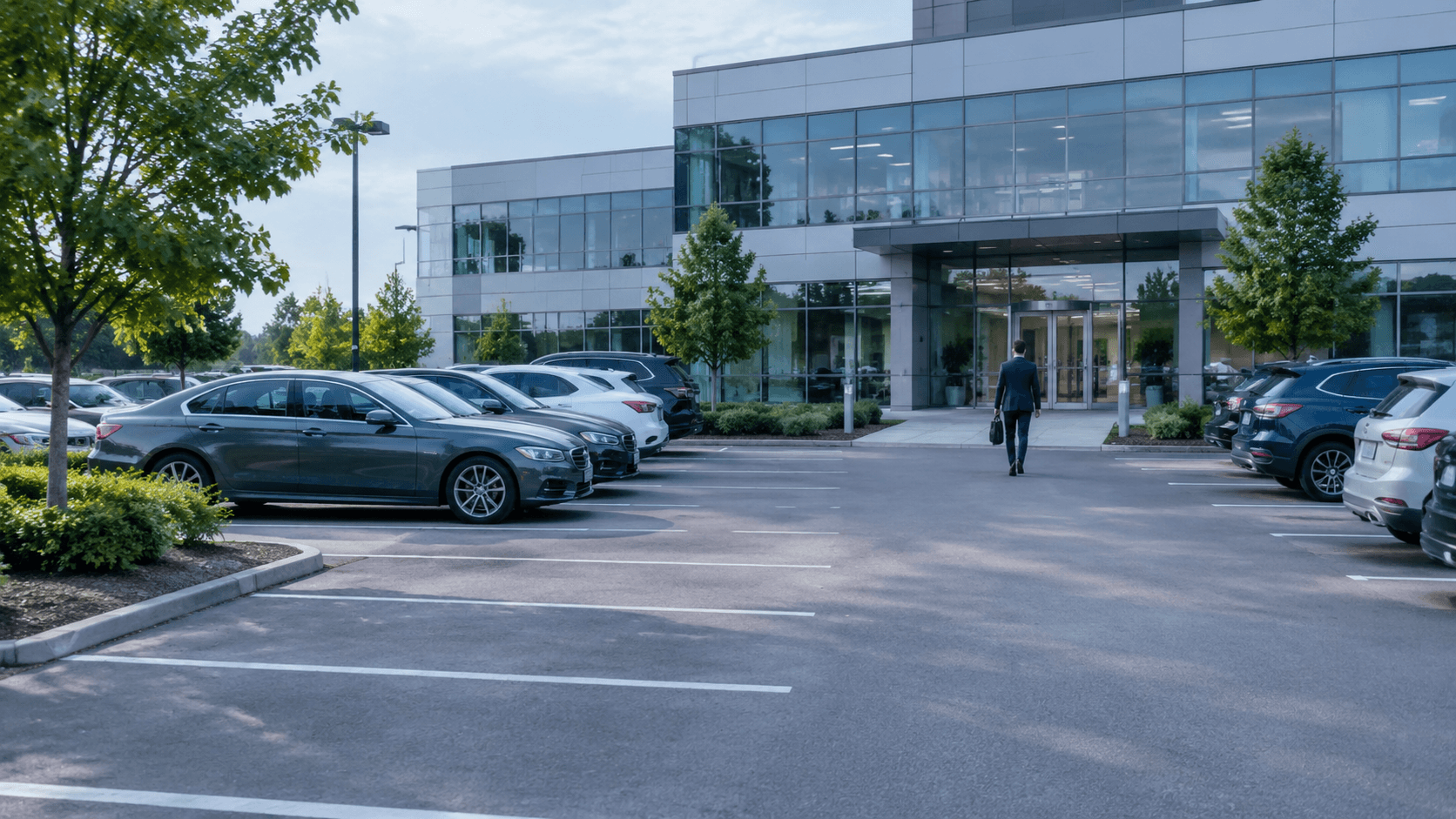
A car park booking system turns your office car park into a bookable resource: staff reserve a space in advance, everyone sees what is free, and the office manager gets a record of bookings and no-shows.
It is software, not hardware. You do not need barriers, sensors, or ANPR cameras to start; the whole thing runs from a phone and a map of your bays.
The point is not more spaces, it is fairer use of the spaces you have. Because hybrid teams are rarely all in on the same day, a shared bookable pool serves far more people than the raw bay count suggests.
The system tracks who booked, who showed up, and which bays sit idle. It surfaces the problem; a human still sets the rules and has the awkward conversation.
Start by pooling the bays you already have into one bookable list, set a simple rule for how they are shared, and let the booking data tell you whether you really have a shortage.
Walk out to the office car park on a busy Tuesday and you already know the story. Someone is circling for the third time. Two people arrived at the same bay and are now doing the polite British stand-off about who saw it first. A manager has quietly kept a space "reserved" by leaving a cone on it. And somewhere in a spreadsheet, a tab called "Parking (do not edit)" is three weeks out of date.
A car park booking system exists to make that morning boring. Instead of a first-come scramble for a fixed number of bays, staff reserve a space in advance for the days they actually drive in, everyone can see what is left, and the office manager finally has a record of who booked and who turned up. This guide covers what these systems do, how the booking flow works day to day, and what to look for if you are picking one, with a particular focus on offices that have more drivers than bays.
What is a car park booking system?
A car park booking system is software that turns your office car park into a bookable resource, in the same way a desk booking system turns a bank of desks into something people reserve rather than fight over.
The core idea is simple. You load your bays into the tool once. From then on, an employee who plans to drive in opens the app, picks a date, and reserves a free space. That bay is held for them and drops out of everyone else's view for the day. If their plans change, they cancel, and the space returns to the pool. Behind all of that, the office manager gets one live view of the car park and a record of how it is really being used.
It is worth being clear about what this is not. A car park booking system is not a barrier, a ground sensor, or an ANPR number-plate camera. Those belong to public and paid car parks that need to control and charge strangers. An office car park is shared among people you already know and trust, so the problem is not stopping intruders, it is deciding fairly who gets which of your limited spaces on any given day. That is a scheduling problem, and it is solved in software.

Why spreadsheets and first-come parking break down
Most offices start with one of two systems, and both quietly fail once the car park is even slightly oversubscribed.
The permanent-allocation spreadsheet. Everyone with a named bay keeps it forever, whether they drive in five days a week or one. On a hybrid team that means half the "taken" spaces sit empty on any given day while people without an allocation are turned away. The list also never keeps up: someone leaves, someone joins, someone switches to the train, and the tab lags reality by weeks.
First come, first served. No list at all, just a race. This feels fair until you notice who wins it: the people with the shortest commute and the most flexible start time, every single day. The colleague with a school run and a 40-minute drive never gets a space, and nobody can prove the pattern because nothing is recorded.
Both systems share three blind spots. There is no visibility, so nobody knows in advance whether they will get a space. There is no fairness mechanism, so the same people win or lose repeatedly. And there is no record, so you cannot see that a "full" car park is actually two-thirds used, or that three people book and never show. Those are exactly the gaps a booking system closes, and they are the reason managing office parking well is less about adding tarmac and more about sharing what you have.
How car park booking actually works
The day-to-day flow is deliberately short, because anything that takes more than a few taps gets ignored.
An employee books a space. They open the app or web page, choose the day or days they are driving in, and pick a free bay from a list or a floor plan of the car park. Bookings can be half-day, full-day, or a custom length for the people who only need a morning.
The space is held and shown as taken. Once booked, that bay disappears from everyone else's available list for that day, so two people can never claim it. Colleagues can see what is left before they decide whether to drive or take the train.
Plans change, so they cancel. If the meeting moves or the day turns remote, one tap releases the space back into the pool for someone else. A day-before reminder nudges people to confirm or release the bay they booked, which is the single most effective way to recover spaces that would otherwise be wasted.
Arrival, and optionally check-in. Some offices ask staff to confirm they turned up, often by scanning a QR code at the bay. That is optional, but it is how you catch the no-shows and prove the car park is genuinely full rather than just fully booked.
The office manager sees the whole picture. Behind the scenes, every booking, cancellation, and no-show is recorded. Over a few weeks that becomes real data on how many spaces you actually need, which is a far better basis for decisions than the loudest complaint in the Monday stand-up.
Notice where the software stops. It books, tracks, and surfaces. It shows that a particular person books a space every Friday and never uses it. It does not decide what happens next: a human still writes the rules, and a human still has the quiet word. Good tools are honest about that division of labour, because a car park policy that pretends to be automatic is a car park policy nobody trusts.
Handling more staff than spaces
This is the situation almost every office is really in, and it is where a booking system earns its keep.
The instinct is to conclude you need more spaces. Usually you do not. On a hybrid team, attendance is spread across the week, so the number of people who want to drive in on any single day is far lower than your total headcount. Pooling the bays and letting people book only when they need one often reveals that a car park everyone thought was hopelessly undersized is actually fine three days out of five, with real pressure on just one or two.
When there genuinely is more demand than supply on peak days, the answer is a fair allocation method layered on top of booking:
Rotation gives different people priority on different days, so nobody is permanently frozen out.
A credit or points budget gives each person a set number of bookings per month to spend on the days that matter most to them, which self-rations demand without anyone having to police it.
Priority tiers hold a small number of spaces for genuine needs, such as accessibility, a car share, or a long commute with no public transport option.
The important part is writing the rule down so the method is transparent, then letting the booking system apply it consistently. When people can see the logic and see it applied to everyone the same way, the resentment that first-come parking generates mostly disappears. If you want a starting framework, our guide to making company parking fair walks through the options in more detail.
What to look for in a car park booking system
Not every tool is built for an office car park. A few things separate the ones that fit from the ones that fight you:
A real map, not just a list. A floor plan of your car park, with bays people can point at, is far easier to use than a dropdown of bay numbers, especially in a multi-level or split-site car park.
Mobile first. People book parking from the car, the kitchen, or the train platform the night before. If it is not quick on a phone, adoption dies.
Easy cancellation and reminders. Recovering a released space is worth more than any clever feature. A day-before reminder plus one-tap cancel is what keeps the pool liquid.
Utilisation reporting. You want to see booked-versus-used, busiest days, and idle bays, because that data is your case for or against changing anything physical.
One tool for the whole office. If you also run desks and meeting rooms, a single platform means staff book their desk, a meeting room, and a parking space in one place rather than learning three apps. That is worth checking before you commit to a parking-only tool.
If you are weighing specific products, our comparison of parking management software lays out the options side by side, with the caveat that the right choice depends on whether you need parking on its own or as part of a wider office booking setup.

Cost, and whether you even need to pay
Car park booking software is normally priced one of two ways: per parking space per month, or per user per month as part of a wider plan.
You do not have to start with a paid plan to find out whether this works for your office. Dibsido offers a permanent free plan, not a time-limited trial, covering up to 10 users and up to 5 parking spaces with no credit card required. For a small team, or as a pilot before rolling out to everyone, that is often enough to prove the point. If you outgrow it, the parking booking module is 4.20 euro per space per month on annual billing, and the all-in-one plan that bundles desks and meeting rooms is 2.50 euro per user per month on annual billing.
The pragmatic path is to start small: put the bays you already have into one bookable pool, set one simple rule for how they are shared, and let a few weeks of booking data tell you whether you have a real shortage or just a coordination problem wearing a shortage's clothes. Most offices find it is the second one. If yours is genuinely short on peak days, you will now have the numbers to say so, and a fair way to share what you have in the meantime.
You can try Dibsido's parking booking for free with your own car park, or book a demo if you would rather be walked through it first.
Frequently asked questions
What is a car park booking system?
A car park booking system is software that turns an office car park into a bookable resource. Staff reserve a space for the days they plan to drive in, everyone can see which bays are already taken, and the office manager gets a record of who booked, who turned up, and how often each bay is actually used. It replaces the spreadsheet, the WhatsApp group, and the first-come scramble with one shared, up-to-date view.
How does car park booking work?
An employee opens the app or web page, picks a date, and reserves a free space from the list or floor plan. The bay is then held for them and removed from everyone else's view for that day. If their plans change they cancel, which returns the space to the pool for someone else. On arrival some offices ask staff to check in, often by scanning a QR code at the bay, so the system knows the space was really used.
Do I need barriers or ANPR cameras to book car park spaces?
No. A staff car park booking system is pure software: it manages who has the right to a space on a given day, not the physical entrance. You do not need barriers, ground sensors, or ANPR number-plate cameras to start. Those exist for public or paid car parks that charge the general public. For an office car park shared among known employees, a booking app running on people's phones is usually all you need.
How do you manage a car park with more staff than spaces?
Stop treating each bay as permanently assigned to one person. Pool the bays you have, let people book only on the days they actually drive in, and set a clear rule for how the pool is shared, such as rotation, a monthly credit per person, or priority for genuine needs like accessibility or a long commute. Because hybrid teams rarely all come in on the same day, a shared pool usually covers many more people than the number of bays suggests.
Can employees book a car park space from their phone?
Yes. With a parking booking app, staff reserve a space from their phone for the days they plan to drive in, see live availability, and cancel when their plans change so the space goes back to the pool. Bookings can be half-day, full-day, or a custom length, and a day-before reminder can prompt people to confirm or release a space they no longer need.
How do you stop people booking a space and not showing up?
No-shows, where someone books a bay and never uses it, block colleagues who wanted to drive in and distort your usage data. The practical fixes are a day-before reminder that makes releasing an unneeded space easy, an optional check-in on arrival so unclaimed bays can be spotted, and a record of repeat no-shows so a person can follow up. The software surfaces the pattern; the office manager decides what, if anything, to do about it.
Is there a free car park booking system?
Yes. Some tools, including Dibsido, offer a permanent free plan rather than a time-limited trial. Dibsido's free plan covers up to 10 users and up to 5 parking spaces with no credit card required, which is enough for a small team or a pilot before you decide whether to pay for more spaces.
How much does a car park booking system cost?
Pricing is usually charged per parking space per month or per user per month. Dibsido's parking module is 4.20 euro per space per month on annual billing, and the all-in-one plan that adds desks and meeting rooms is 2.50 euro per user per month on annual billing. There is also a free plan for up to 10 users and 5 spaces, so a small office can run advance parking booking at no cost.
Our platform is designed to empower businesses of all sizes to work smarter and achieve their goals with confidence.