Rated 4.9/5 on G2

Rated 4.7/5 Capterra
14-day Free Trial
No credit card required


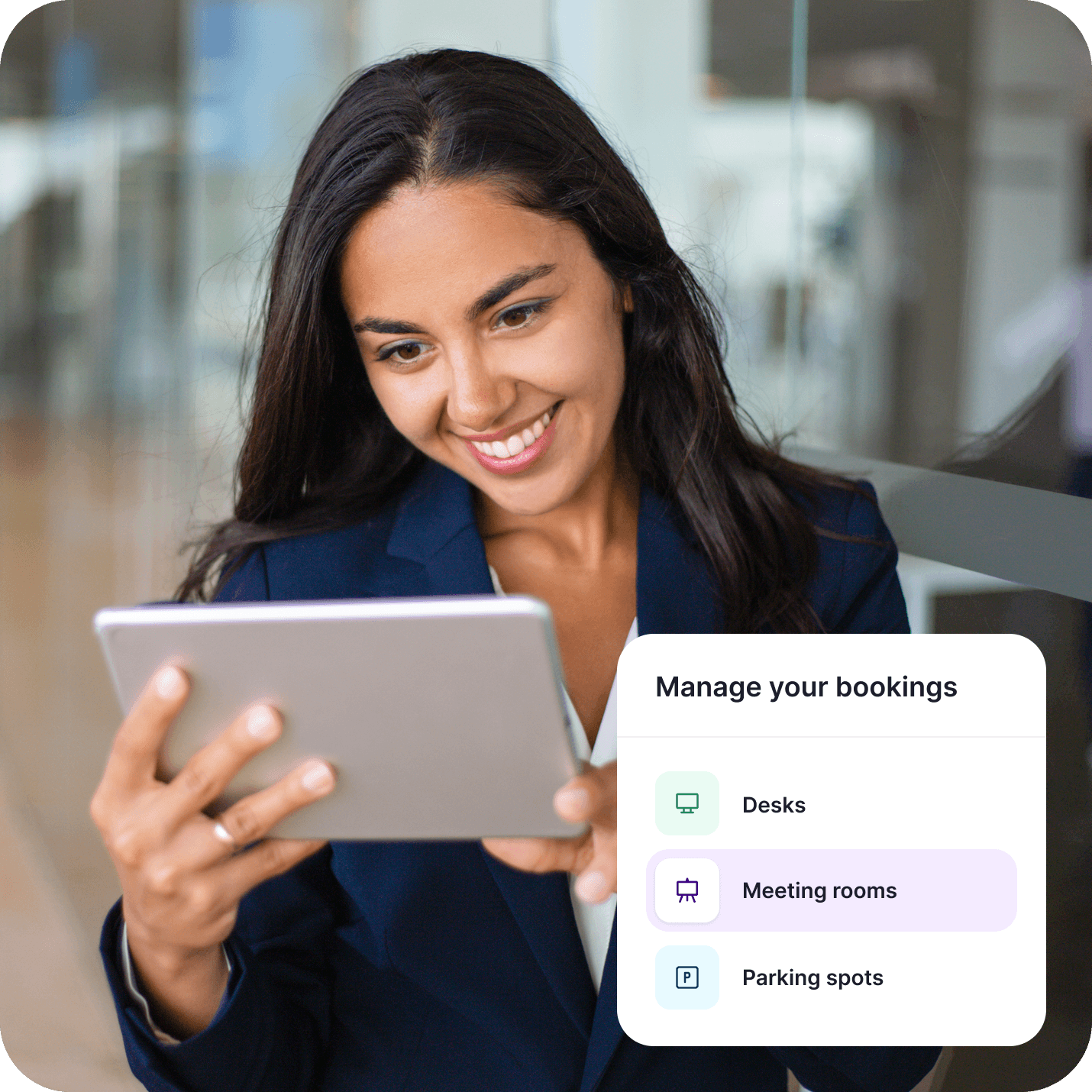











Start in 5 minutes. Quick self-onboarding, interactive floor plans, booking rules, and calendar synchronization, all delivered through a straightforward UI.

No app switching. Everyone can create and manage workplace bookings via web, mobile app, Slack, or directly in Microsoft Teams.

Better workplace decisions. Track attendance trends, desk utilization, room occupancy, and workplace demand across all your locations to make data-driven decisions.
Everything you need in a workplace reservation system
Start in 5 minutes
Getting started with Dibsido typically takes just a few minutes. Create an account, map your office, define workplace rules, and invite colleagues. Dibsido's intuitive interface takes care of the rest.

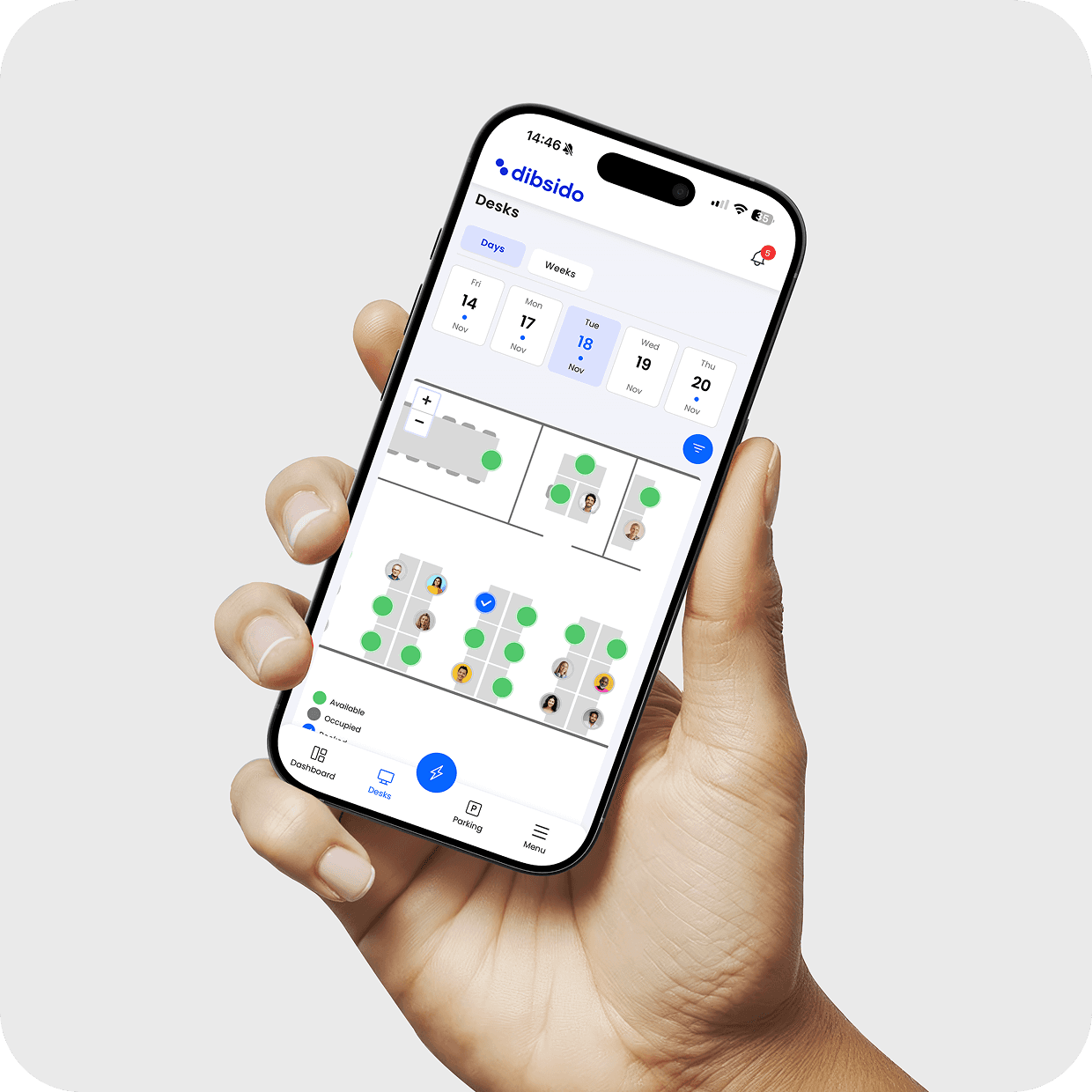
Help employees find the right workspace
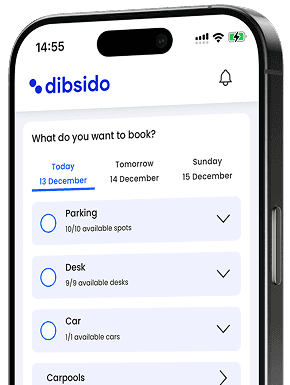
Make workplace reservations effortless with real-time availability, interactive floor plans, mobile apps for iOS and Android, one-click bookings, automatic check-ins, and no-show handling. No spreadsheets, no back-and-forth emails, no confusion.
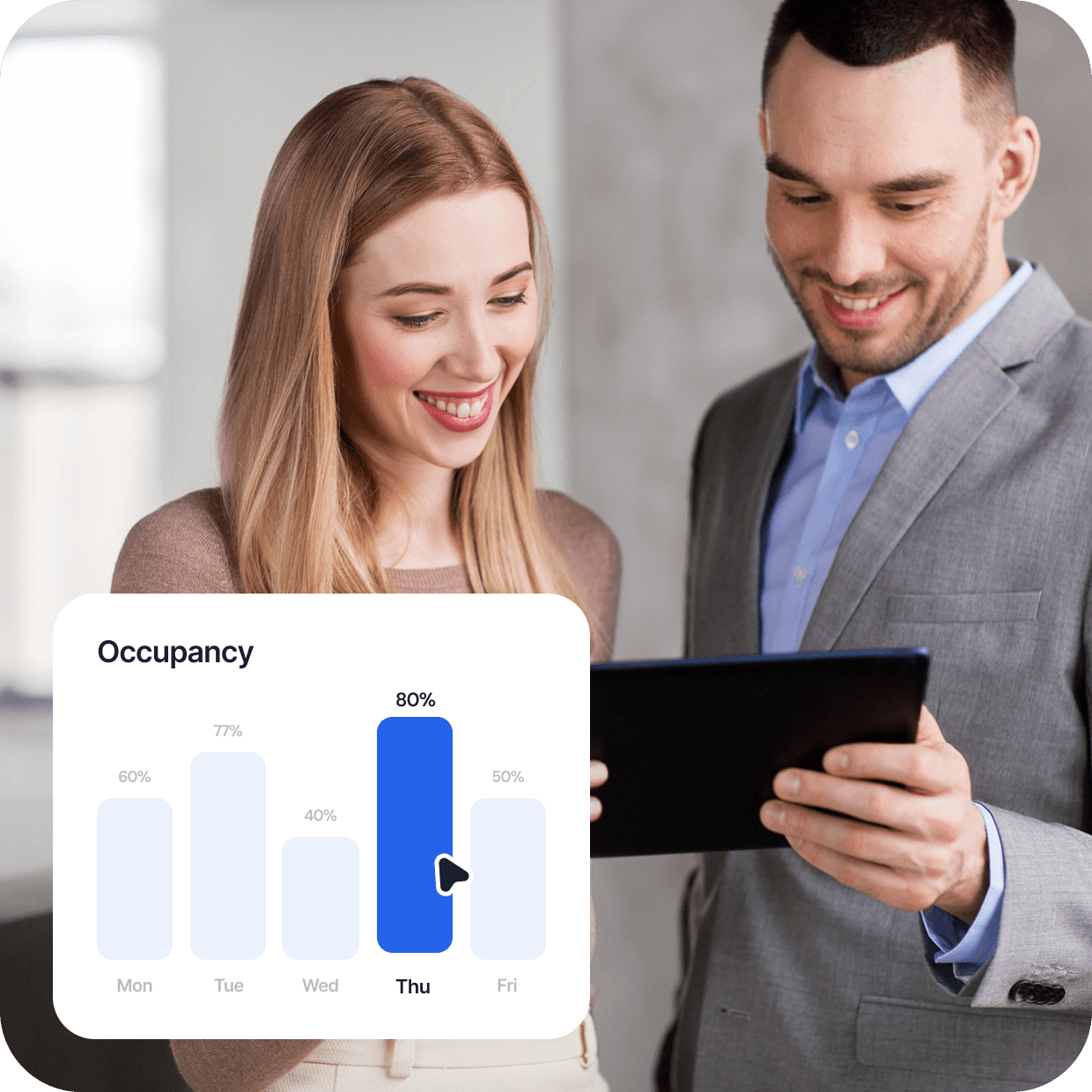
Understand how your office is actually being used
Hybrid work has made office occupancy harder to predict. Dibsido's workplace analytics provide a clear view of attendance trends, desk utilization, meeting room occupancy, peak office days, and workplace demand across all your locations.
Drive adoption with seamless integrations
Integrate Dibsido with Microsoft Teams, Outlook, Google Calendar, Slack, and other tools your team already uses. No new habits to build, employees can manage workplace reservations directly from the applications they use every day.
Know who's in the office
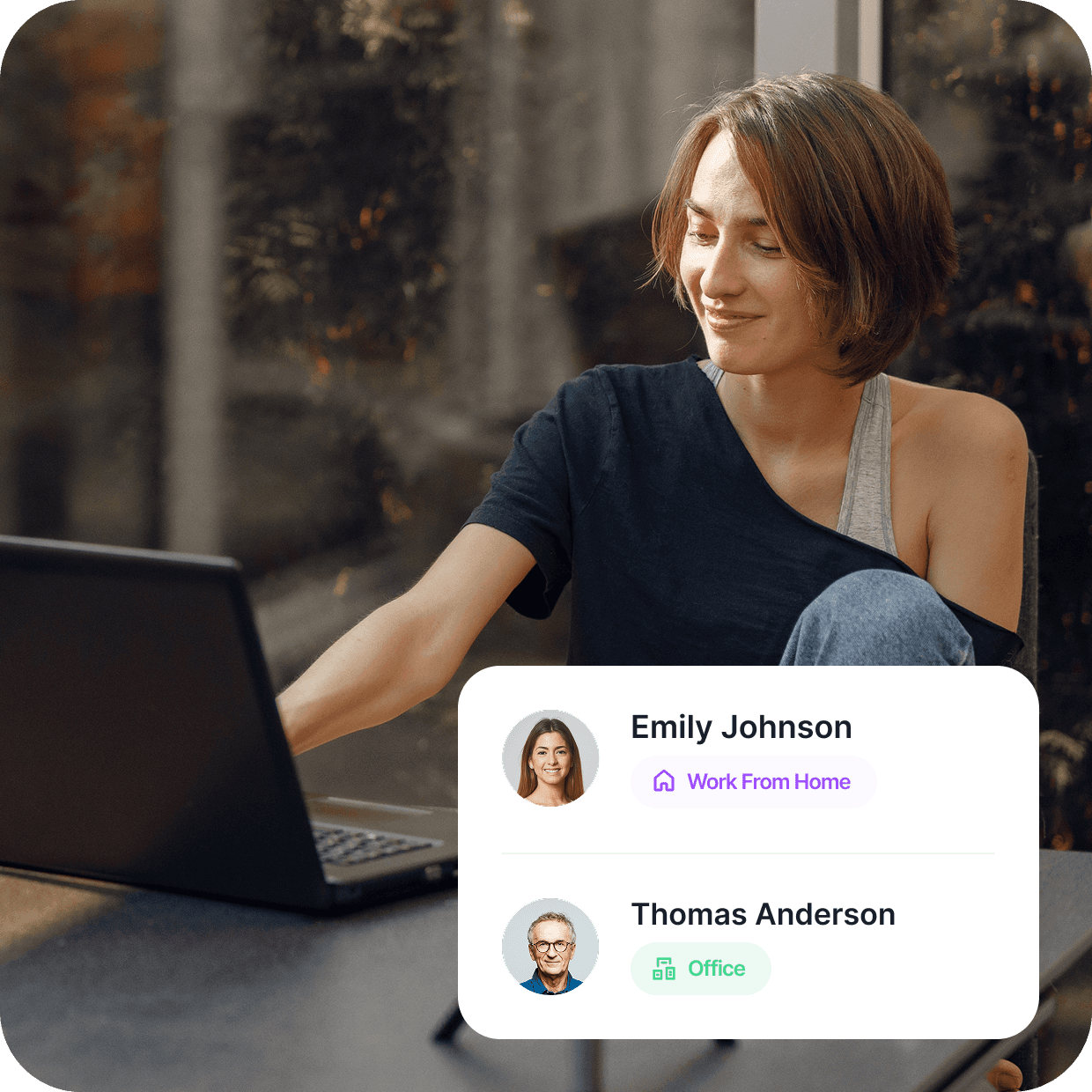
See who's working from the office, remotely, or taking time off—all in one place. Get the visibility you need to coordinate meetings, plan projects, and bring teams together without the guesswork.





Features you’ll love

Integrations
Dibsido connects with your favourite office tools. From Slack to your Google or Microsoft account.

Interactive Maps
Whether it’s a desk, parking, or meeting room, the interactive maps make sure you always find your way.

Mobile App
On the subway or in the car, you can book your space anytime, wherever you are.

Languages
Supporting 12 languages, the app is perfect for teams and offices around the globe.


Frequently asked questions
Chances are, your question’s already been asked. We’ve put together a list of the most common ones.
How does a workplace reservation system work?
A workplace reservation system lets employees view available resources and book them instantly via a web browser, mobile app, Slack, or MS Teams, fitting seamlessly into your existing office ecosystem. Managers get access to dashboards and reports to monitor occupancy, manage resources, enforce workplace policies, and analyze office utilization.
Getting started is straightforward: create an account, set up your office layout, and invite your coworkers. That's it.
What is the difference between a workplace reservation system and desk booking software?
Desk booking software focuses primarily on reserving desks or hot desks. A workplace reservation system is broader and typically also includes features for booking meeting rooms, parking spots, and other shared resources.
Why do companies use workplace reservation systems?
Using a workplace reservation system brings hybrid organizations several notable benefits, including:
Supporting a flexible workplace environment
Improving employee experience
Preventing booking conflicts
Optimizing real estate costs
Gaining visibility into workplace utilization
How to get started with Dibsido?
The easiest way to get started is by signing up for a free trial. There are no strings attached and no credit card required. Before your trial ends, we’ll remind you to select a plan, free or paid, so you can keep using Dibsido without interruption.
Visit Dibsido’s Pricing to learn more.
How long does it take to set up Dibsido?
Compared to many workplace reservation systems, getting started with Dibsido typically takes just a few minutes and doesn't require any technical expertise.
The platform is designed to be truly plug-and-play, with guided onboarding, intuitive administration, and minimal ongoing maintenance. Once configured, Dibsido becomes a genuine "set-it-and-forget-it" solution, allowing office managers to focus on managing the workplace, not the software.
Can I see how office space is being used?
Yes. Dibsido provides office managers with workplace analytics so they can get insights into attendance trends, occupancy levels, desk utilization, room usage, and workplace demand across locations.
Can employees reserve workspaces from a mobile device?
Yes. Employees can view availability, make reservations, and manage bookings from iOS and Android mobile devices using the Dibsido app.
Is there a free workplace reservation system?
Yes. Dibsido offers a free workplace reservation system for organizations looking to manage hybrid work and office attendance without upfront costs.
The free plan supports up to 10 users and includes unlimited desk bookings, 1 meeting room, and up to 5 parking spaces, making it a practical option for small teams and growing businesses.
Employees can easily reserve desks, check workplace availability, and coordinate office visits through a simple, user-friendly interface.
You can create your free workplace reservation system account here.
What exactly is a workplace reservation system?
Think of it as a central place where employees can book the resources they need before coming to the office. In most companies that means desks and meeting rooms, but it can also include parking spaces, visitor desks, focus rooms, or other shared resources.
Modern workplace reservation systems are delivered as SaaS, helping organizations manage a hybrid work environment while providing fast ROI.