Rated 4.9/5 on G2

Rated 4.7/5 Capterra

14-day Free Trial
No credit card required
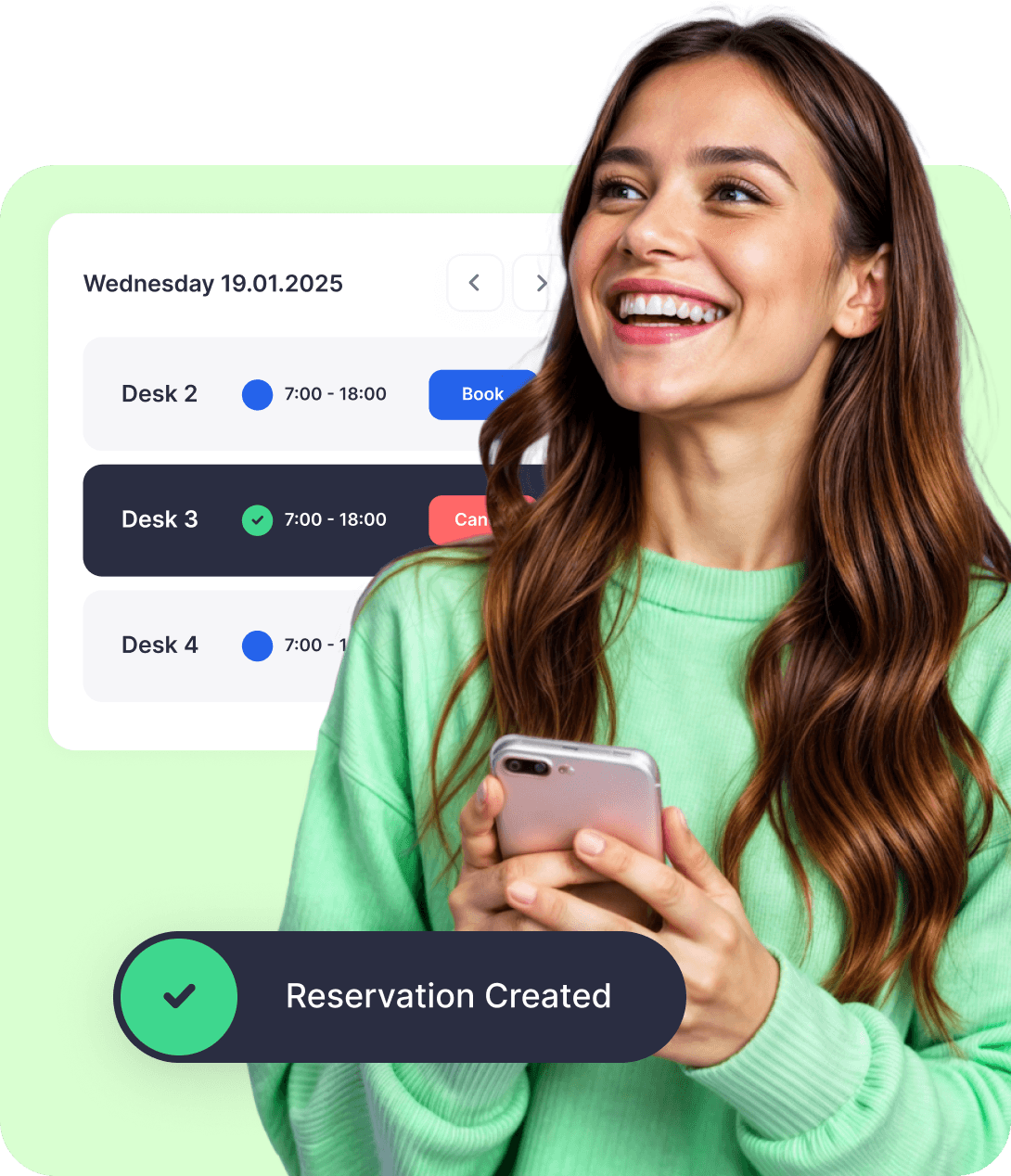














Why teams choose Dibsido’s desk booking for Slack

Quick setup. You can set everything up yourself. Just enable Slack notifications in your Dibsido settings, click “Add Slack,” and you’ll be ready in just a few steps.

Native Slack experience. Use simple slash commands to create and manage bookings, receive notifications and alerts, and keep track of everything from the Dibsido tab in Slack.

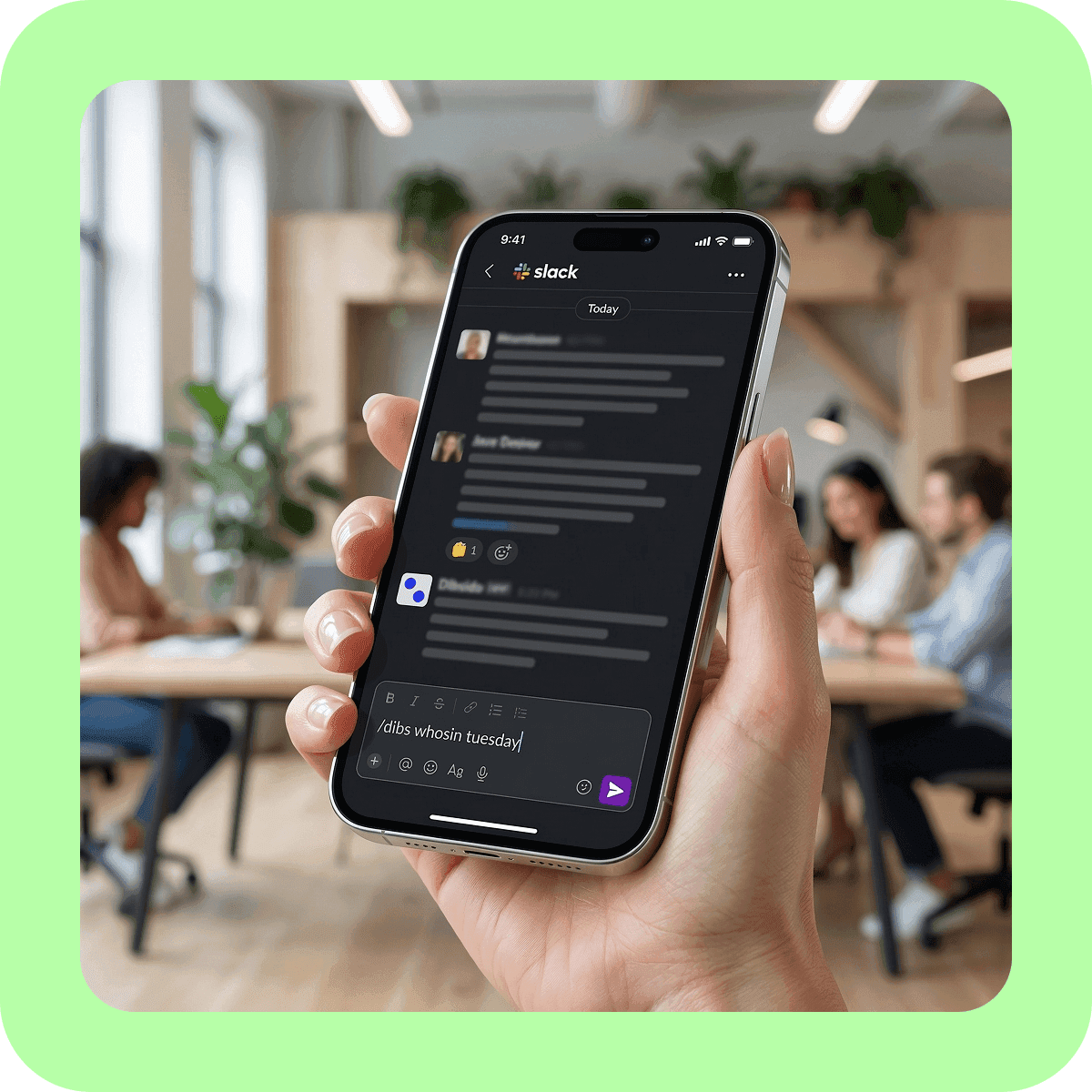
Team visibility. Type /dibs whosin monday to instantly see which colleagues are heading to the office. Plan your week around the people who matter.
Incredibly easy hot desking in Slack
Book desks easily
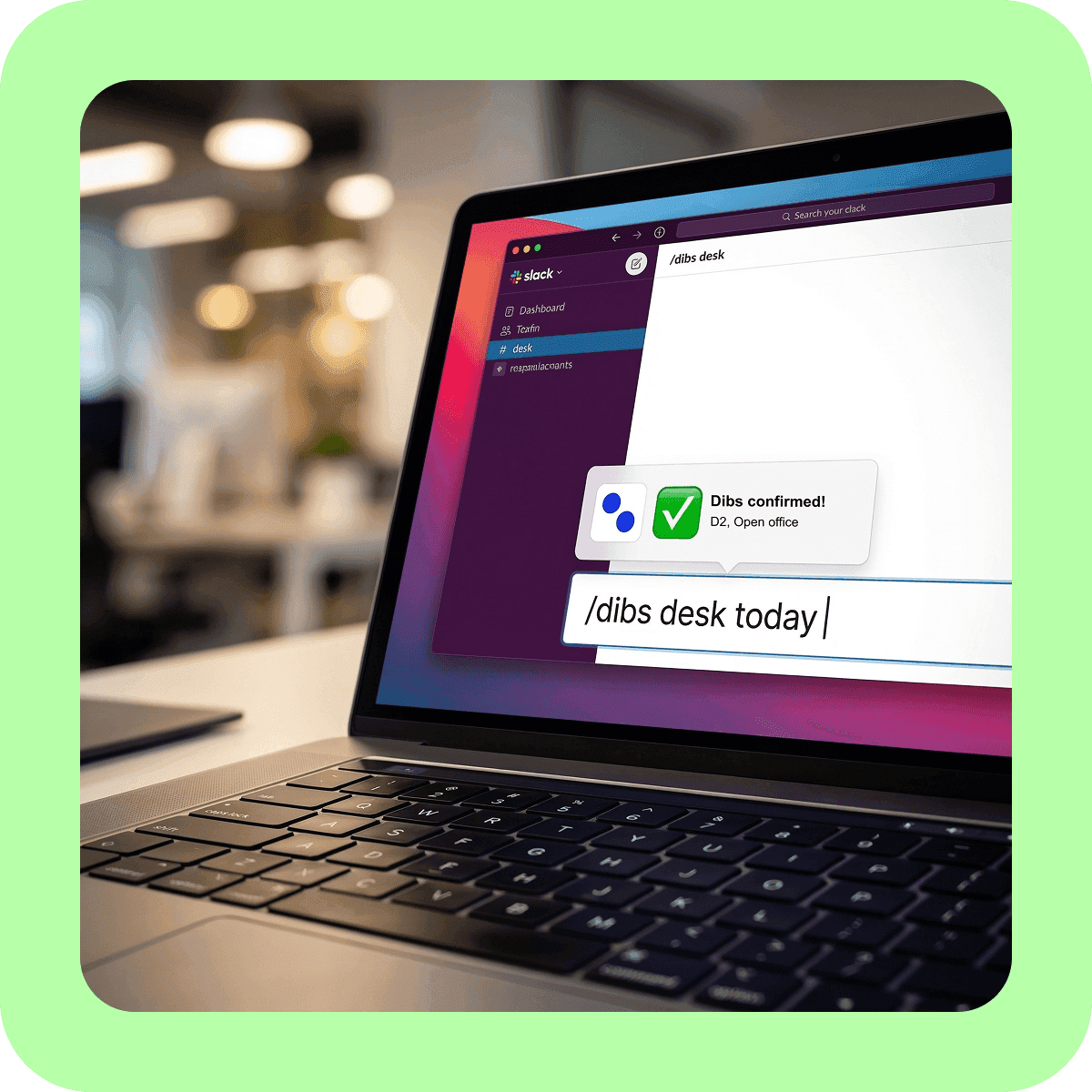
Type /dibs desk today and your favorite desk is automatically reserved. Need a spot for Monday? Use /dibs desk monday. One command. One second. Done.
Dibs on a parking spot
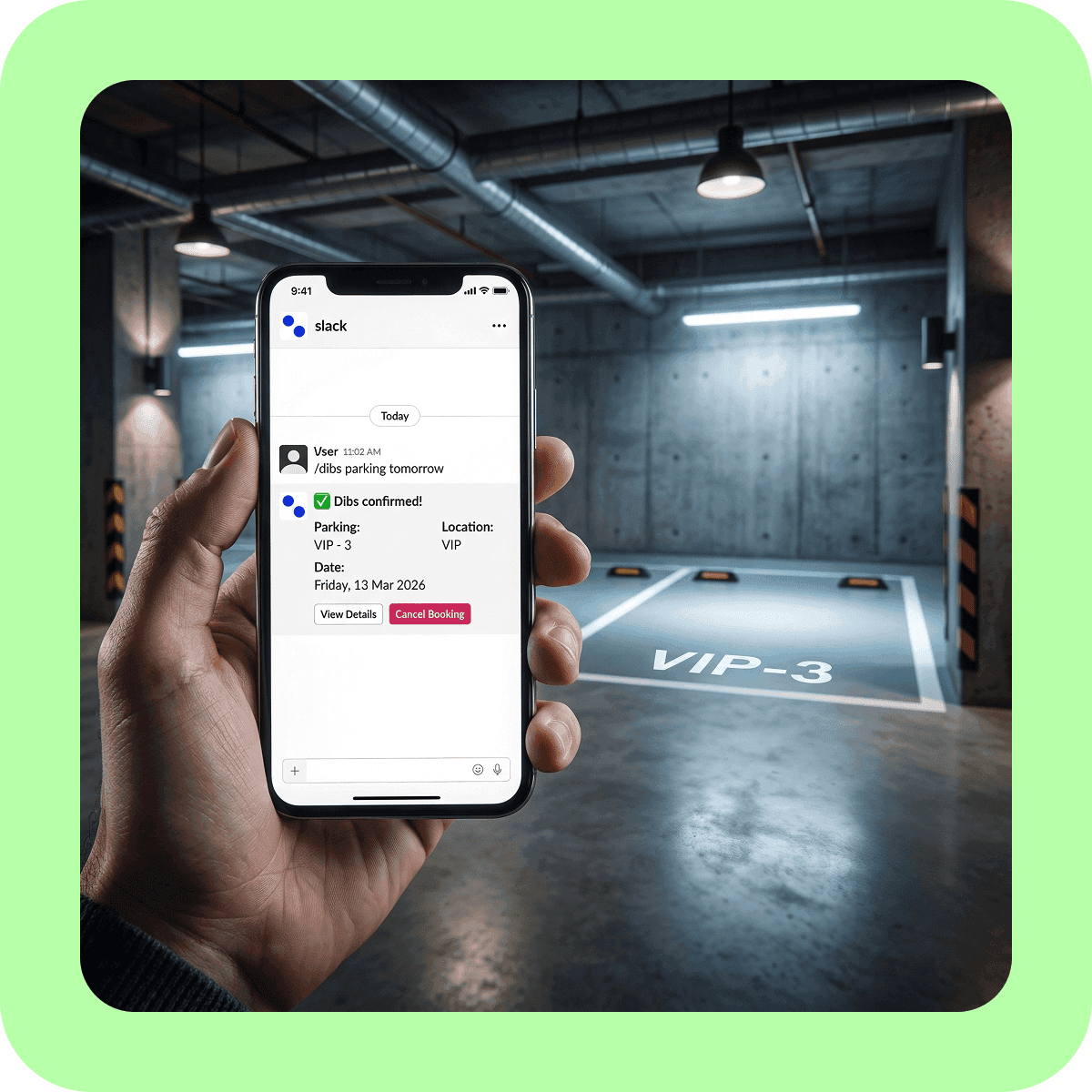
Reserve parking in Slack just as fast. Type /dibs parking tomorrow and you’re set. No spreadsheets. No morning emails asking who’s driving in.
Check your office schedule at a glance
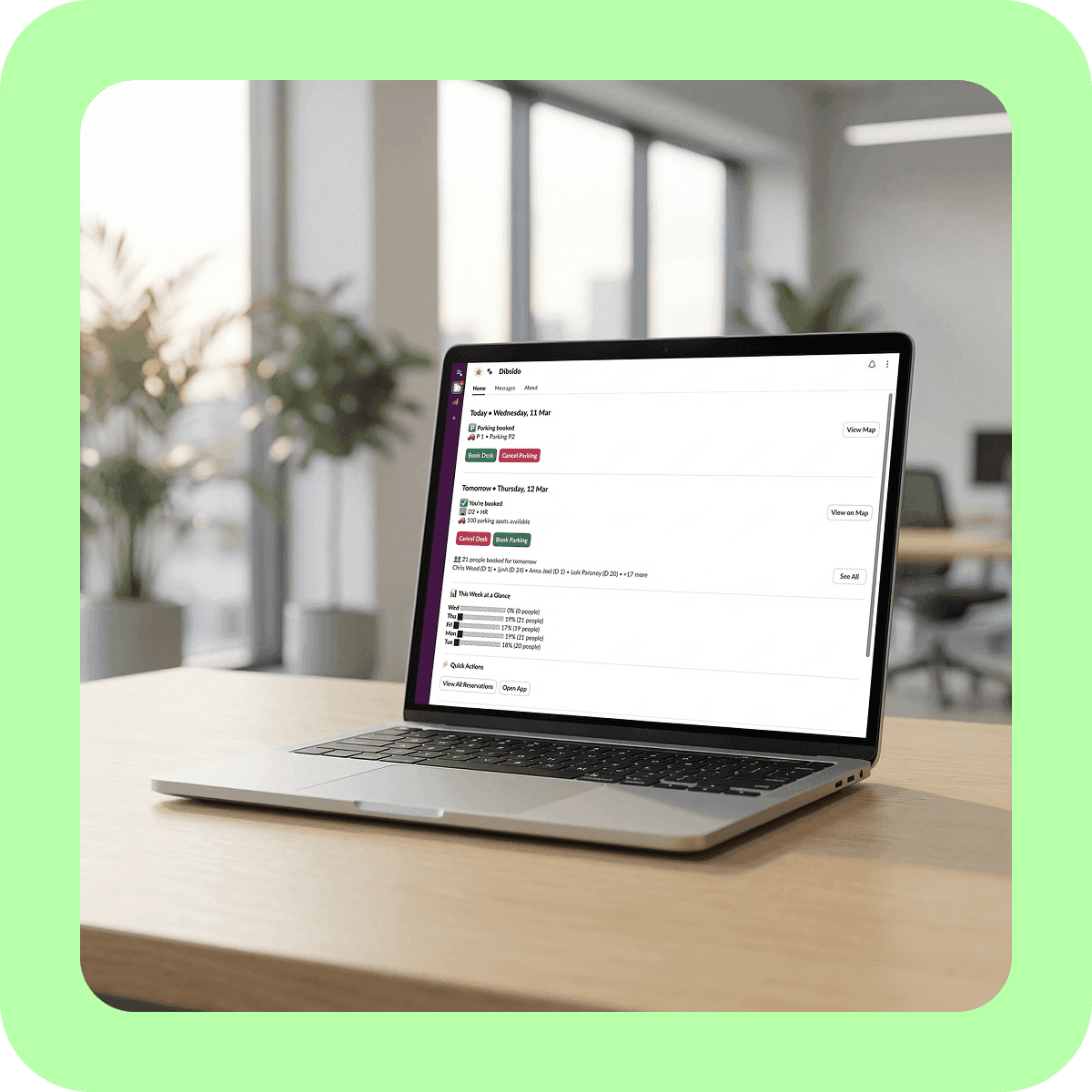
Open the Dibsido Home tab in Slack to see everything in one place: today’s desk and parking status, tomorrow’s plan, and a weekly occupancy chart showing how busy each day will be. No commands needed.
See who’s coming in
Type /dibs whosin tuesday to see which colleagues are heading to the office. Plan your days around the people you actually need to collaborate with.
Get Slack notifications
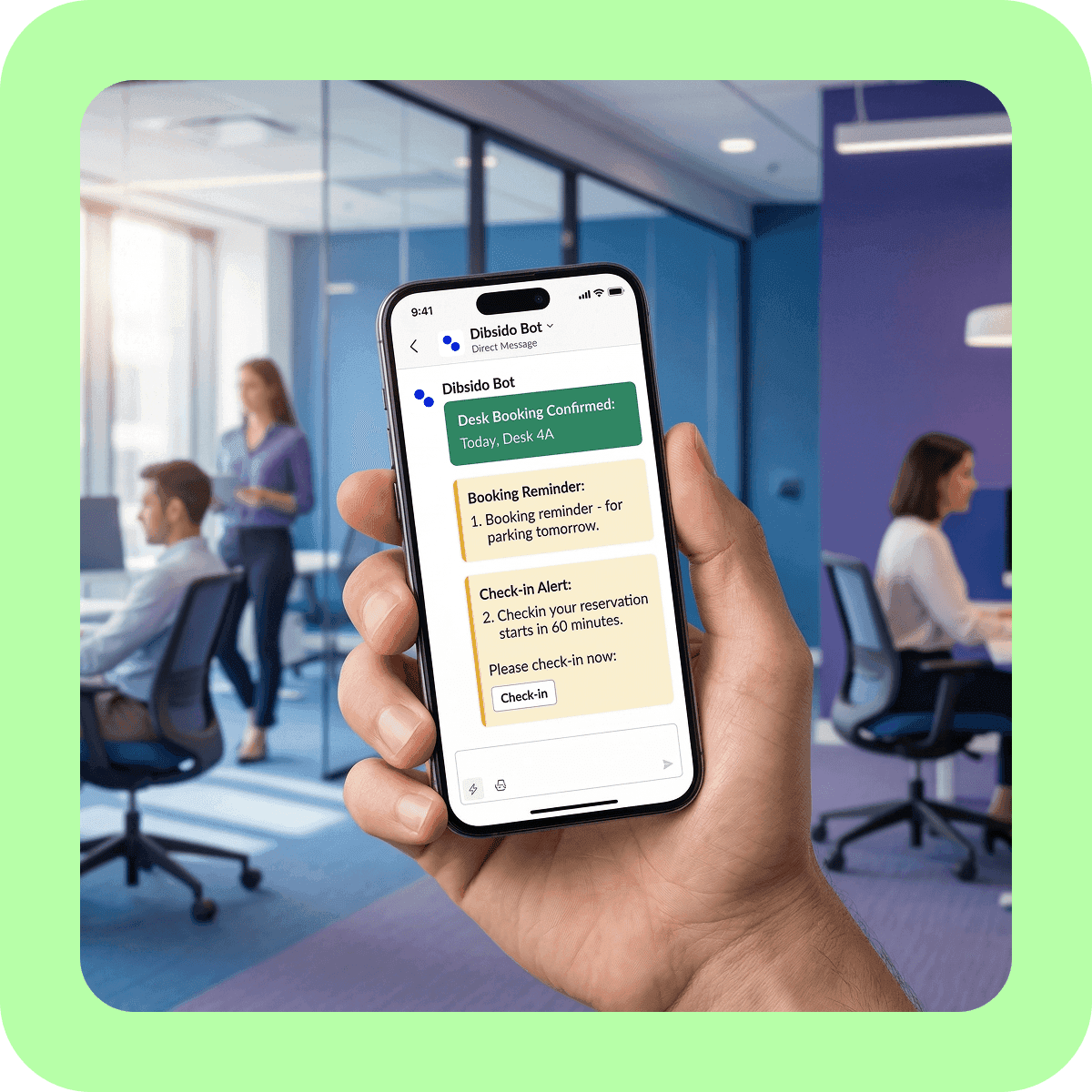
Dibsido sends booking confirmations, cancellations, and reminders as direct messages in Slack, so you always stay updated without checking your email.
Use interactive floor plans
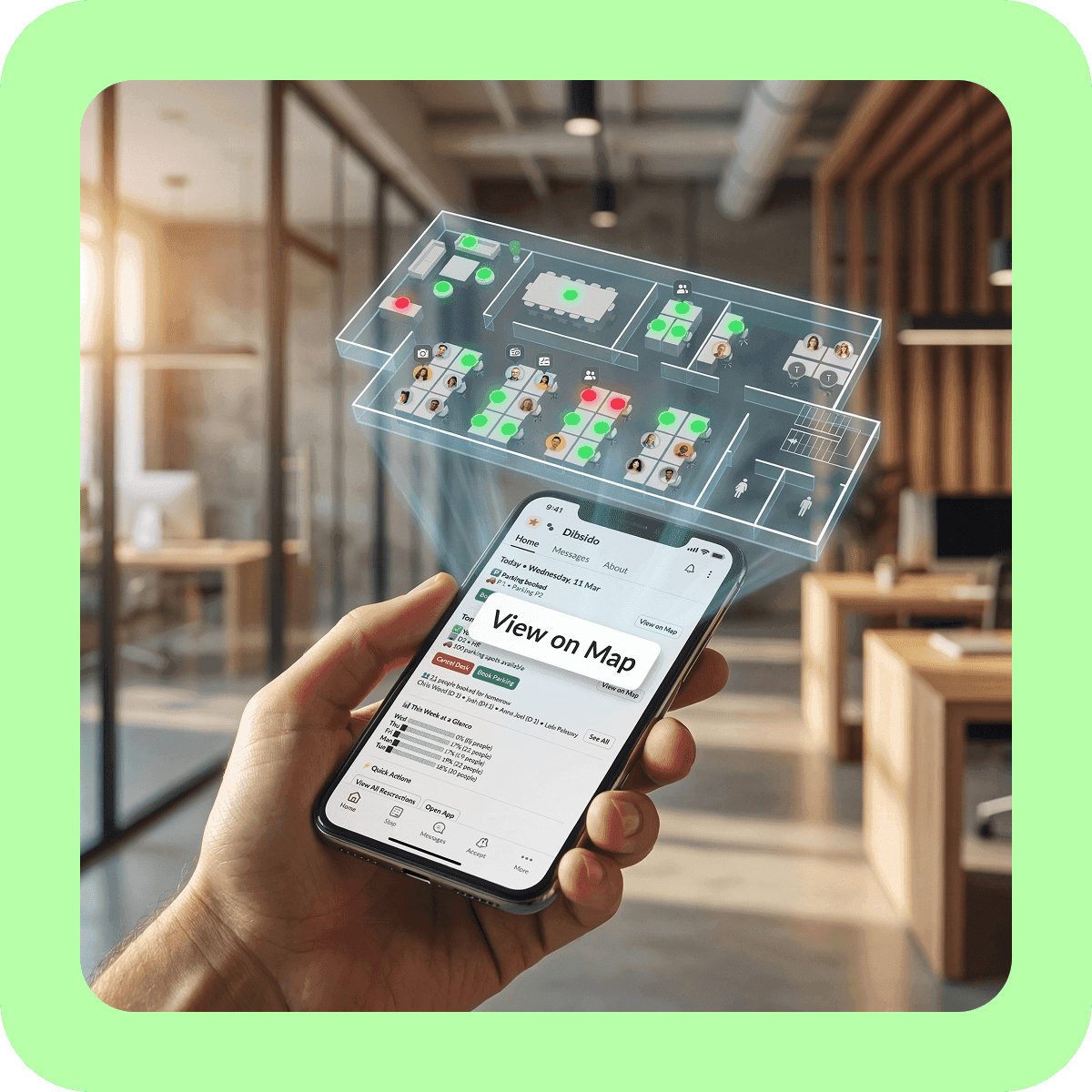
Need to pick a specific desk or check the office layout? Tap Browse Map in the Home tab to open the interactive floor plan in your browser. Slack handles quick bookings, while the full app gives you complete control.

DESK BOOKING
Let's call dibs! on an organized office
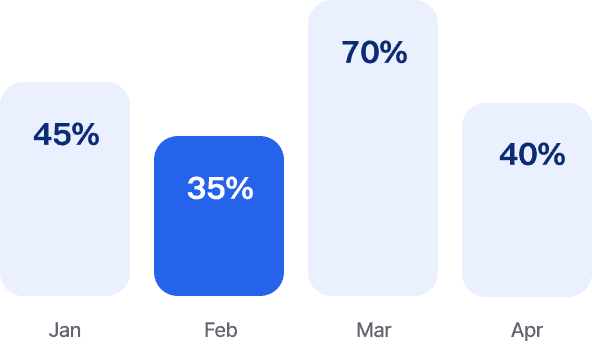
Analytics
Dibsido’s fluent in data. Get insights on desk usage, office peak days, and everything in between.
User Groups
Create groups by department and control who can book specific desks or areas.

Branches
Whether it’s HQ or a remote branch, your team can easily book desks across all your locations.

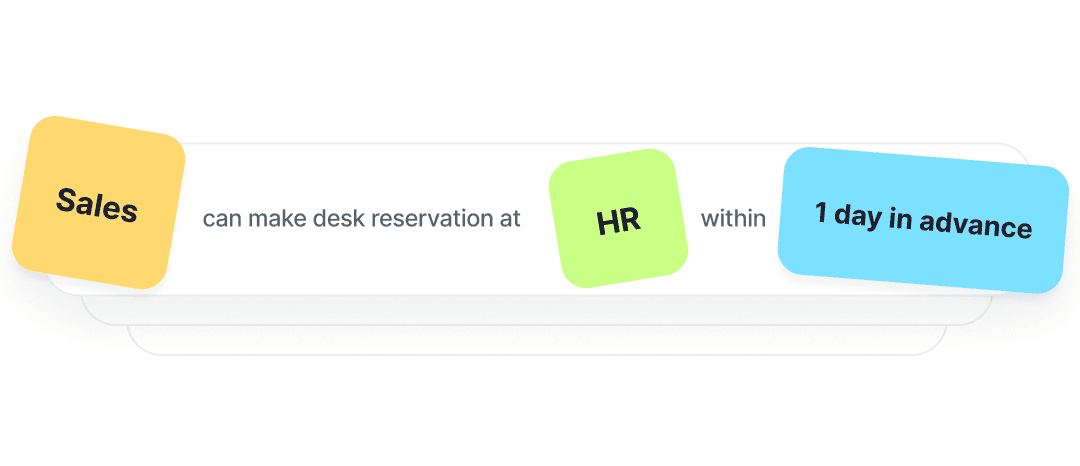
Booking rules
Design custom booking rules and assign priority access to desks in specific departments, so teams always have their spot.
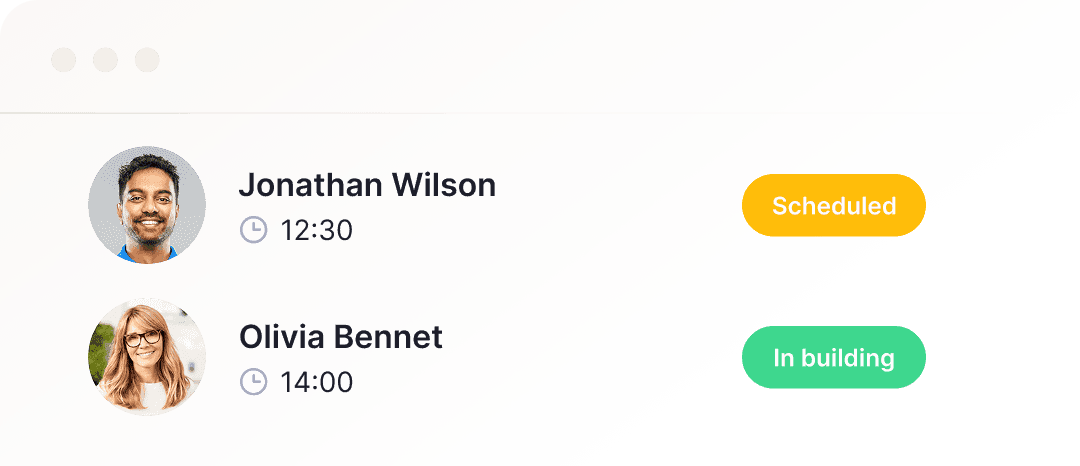
Visitors
Guests on the horizon? That calls for a proper welcome! Book them a desk and wow them with a smooth check-in.
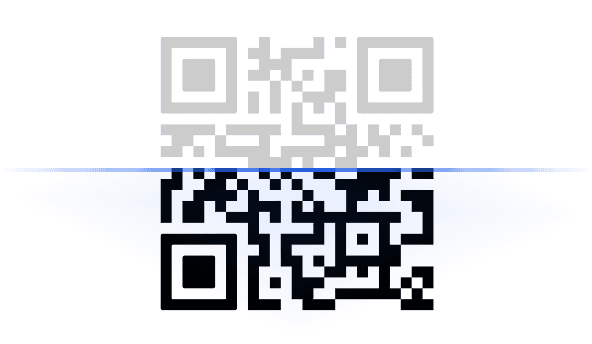
QR Codes
Meet your new work buddy: a QR code on every desk for fast check-ins and reservations.
Rooms Booking
From hot desks to meeting rooms. Get all your workplace bookings into one app.
Languages
Customize the app to your liking and switch Dibsido to one of 12 languages.




Mobile App
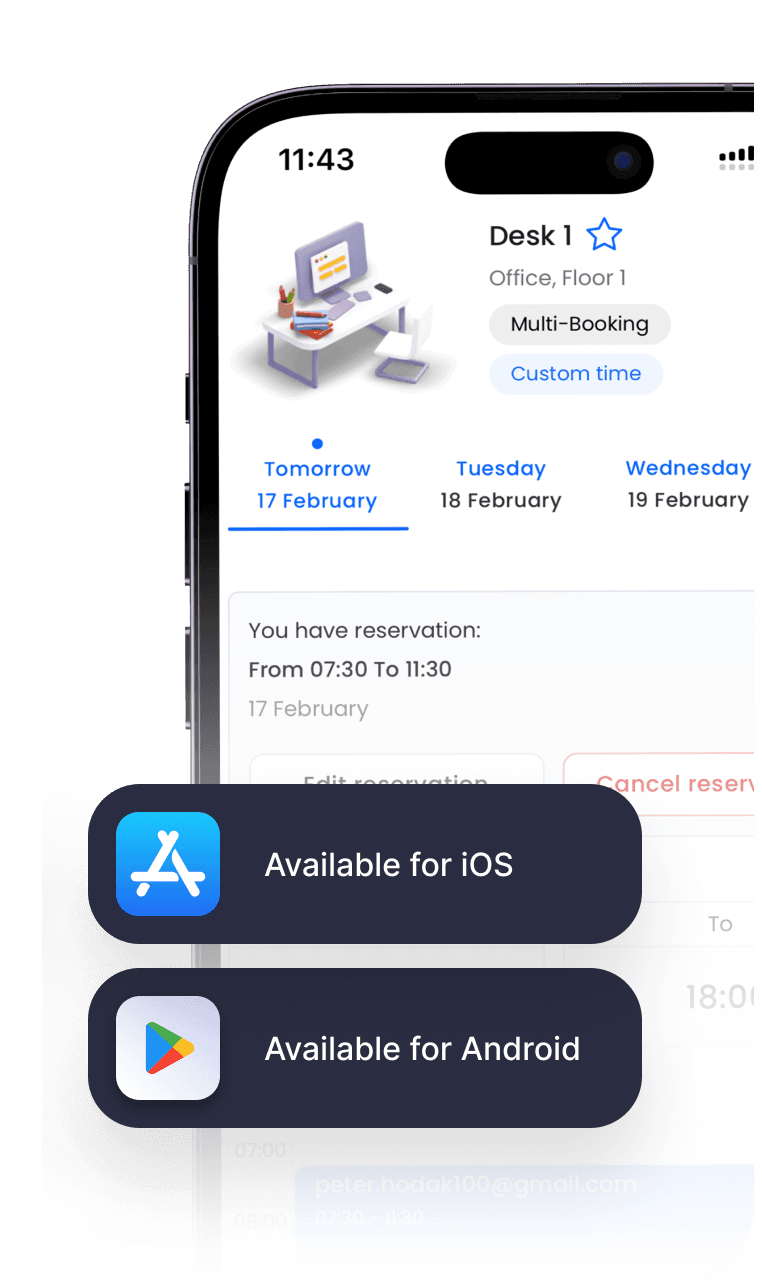
At the office, on the train, or on the couch—book your desk wherever life takes you. Available for iOS and Android.

TESTIMONIALS
See why your peers love Dibsido









Slack Desk Booking Is Just a Click Away. Get Started.
Frequently asked questions
Chances are, your question’s already been asked. We’ve put together a list of the most common ones.
Does Slack have a desk booking system?
Slack doesn’t include built-in desk booking. With Dibsido’s Slack integration, you can book desks and parking directly in Slack using simple /dibs commands, without switching to a separate tool.
How Dibsido’s Slack desk booking app works?
Once you connect Dibsido to your preferred Slack workspace in the settings, you can start using simple slash commands to manage everything. Type /dibs desk today to book a desk, /dibs parking monday to reserve parking, or /dibs whosin to see who’s coming to the office. The Home tab shows your bookings and office occupancy at a glance,
Can I use Dibsido with both Slack and Microsoft Teams?
Yes. Dibsido integrates with both Slack and Microsoft Teams, so your team can use whichever platform they prefer while everything stays in sync.
Do I need a credit card to try Dibsido?
No. You can enjoy a 14-day free trial including all premium features, with no credit card required. Dibsido also offers a free desk booking plan for up to 10 users, so you can decide whether to upgrade to a paid plan or continue using it for free.
How do I install the Slack integration?
Sign in to Dibsido, go to Settings > Notifications, and connect your Slack workspace. Your team can start using /dibs commands right away.
Where is my data stored?
Dibsido securely stores all data in the European Union and operates in full compliance with GDPR.