Rated 4.9/5 on G2

Rated 4.7/5 Capterra
14-day Free Trial
No credit card required













Fix your meeting rooms in 5 minutes


Because booking a room should be a no-brainer

One-click bookings
With everything else that comes with meetings, booking should be the least of your worries. Sort it with one tap only.
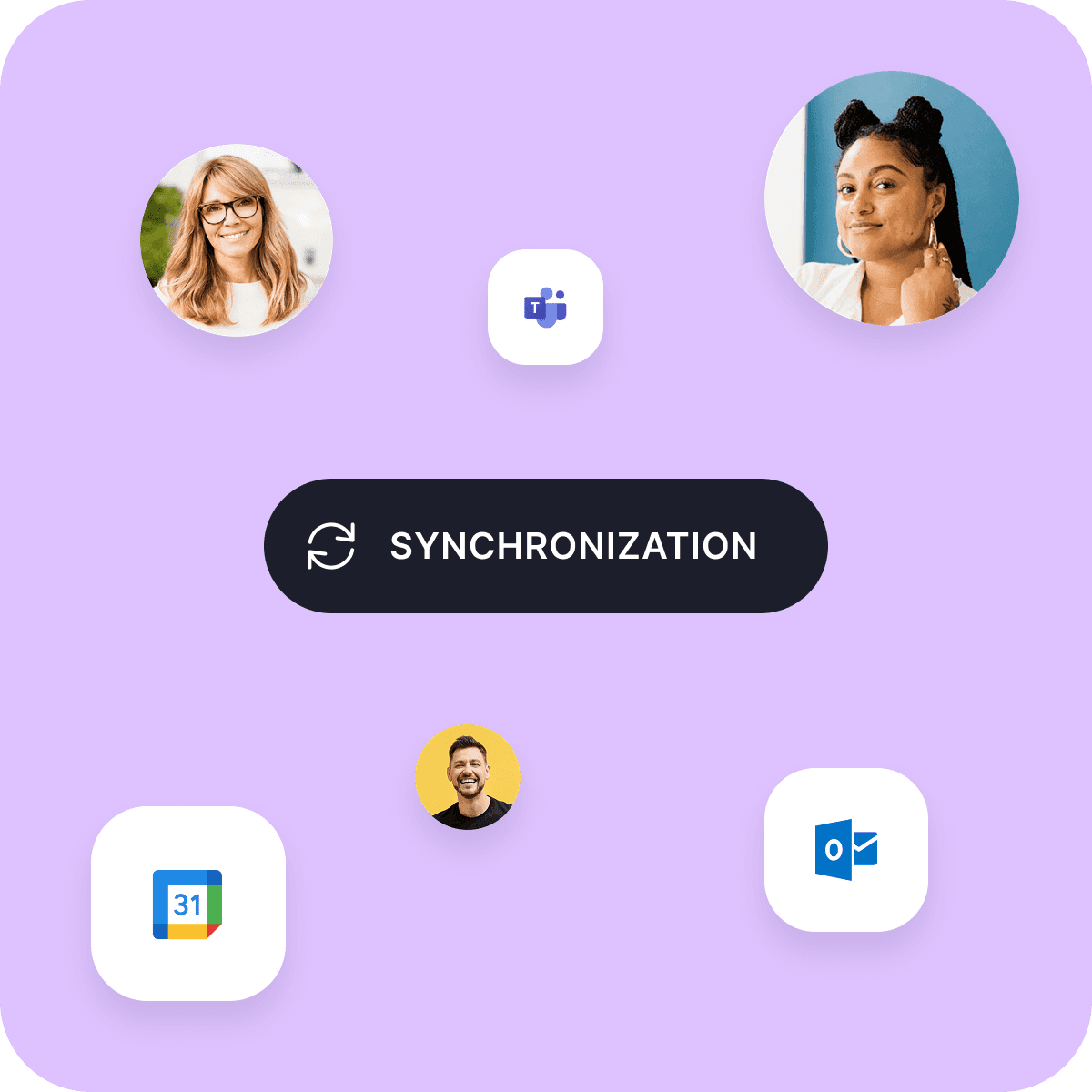
Calendar synchronization
Stay on top of your schedule. Dibsido syncs your bookings straight to your Google or Microsoft calendar.
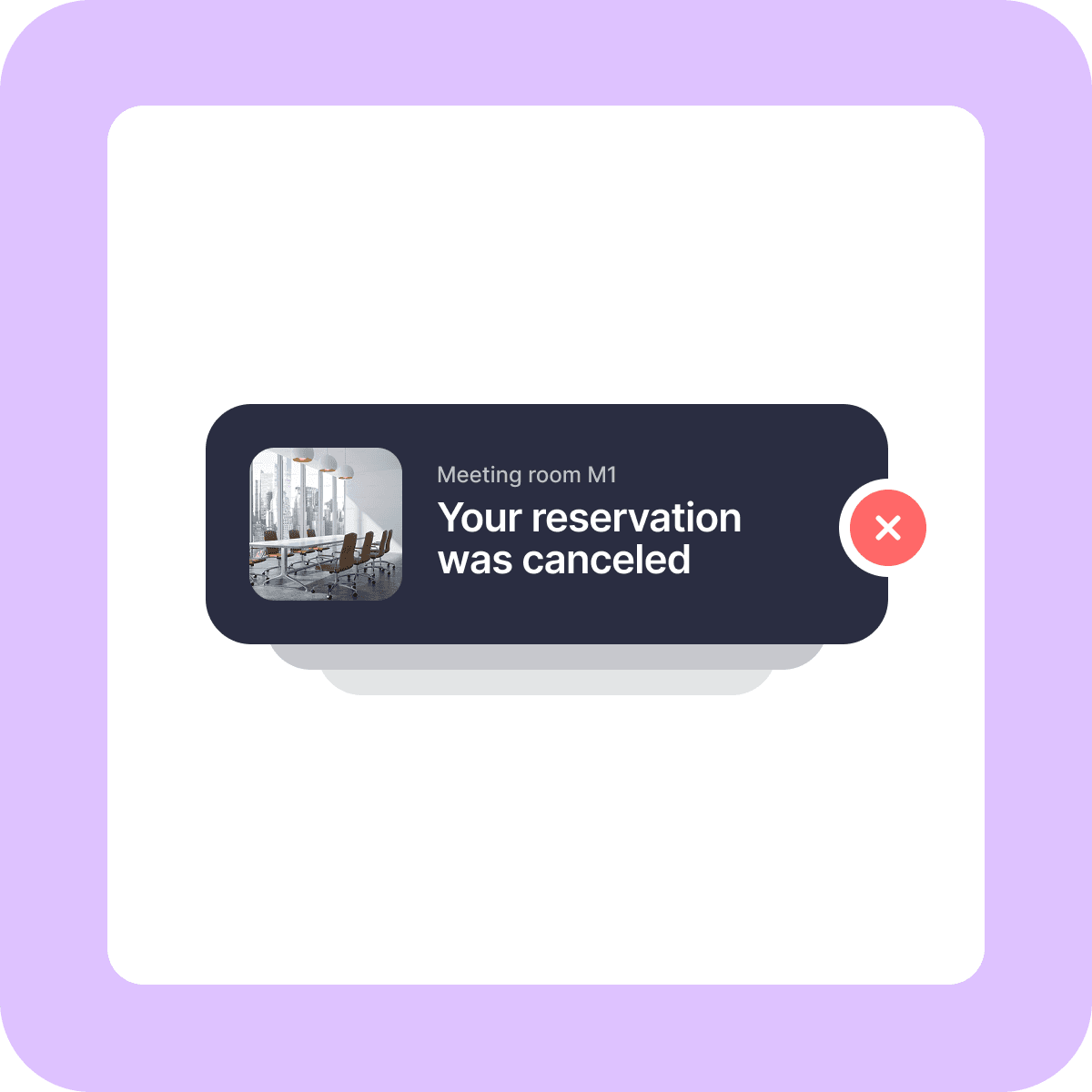
Auto-cancelation
No wasted office space with Dibsido! If a booking isn’t confirmed at the start of the meeting, it’s automatically canceled.
Interactive maps
Navigating the office shouldn’t feel like trying to solve a puzzle. Let our maps lead you straight to where you need to go.


MEETINGS ROOMS
Booking app that does the heavy lifting for you
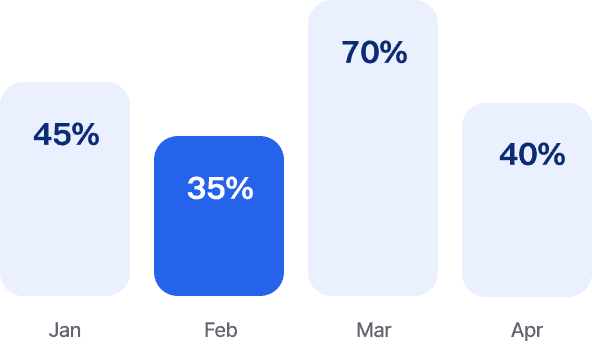
Analytics
Get all the numbers, data, and insights you need to optimize your office.
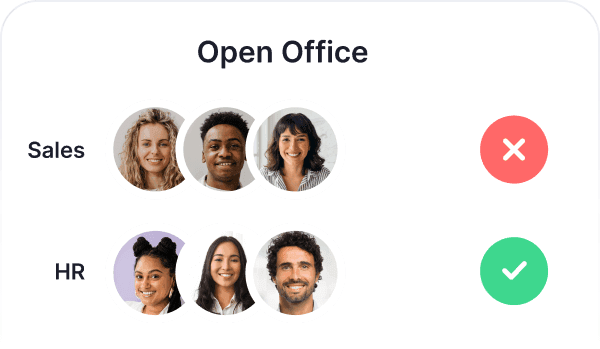
User Groups
Create groups by department and control who can book specific rooms or areas.
Branches
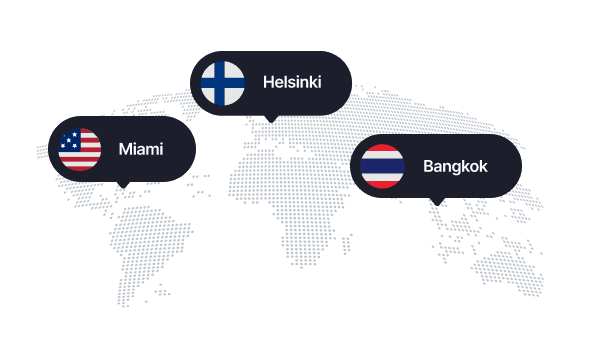
Manage meeting room bookings across all your offices in one app.
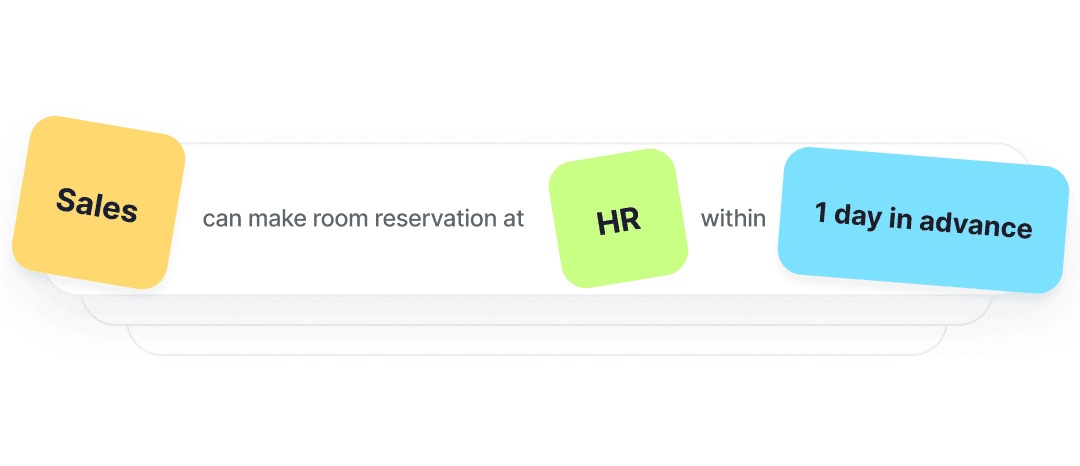
Booking Rules
Design custom booking rules and assign priority access to rooms in specific departments.
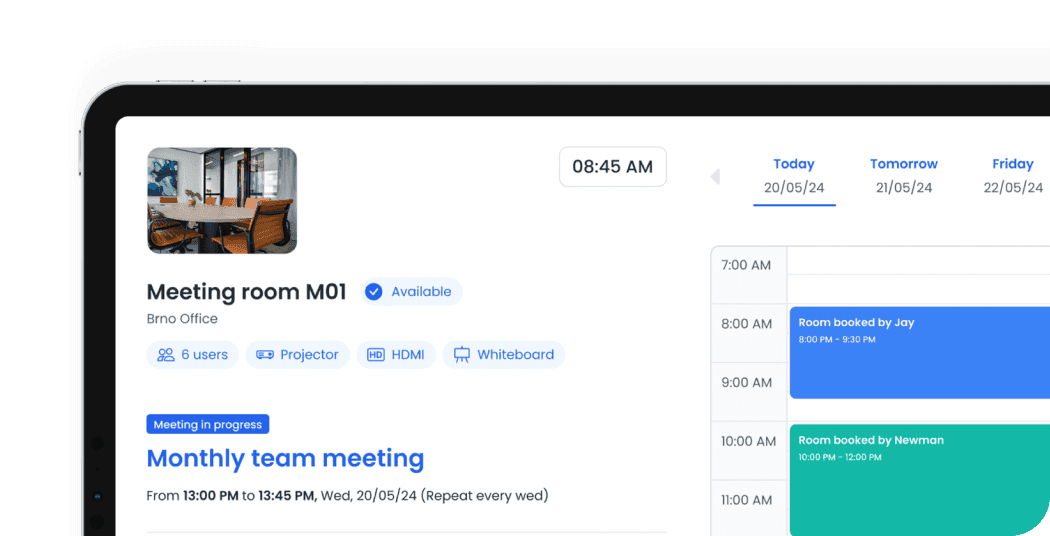
Tablet Screen
Confirm and create your bookings directly on the tablet at the meeting room.
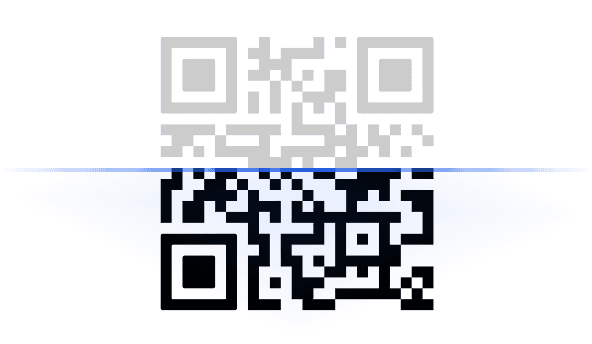
QR Code
For check-in, just scan the QR code right at the meeting room.
Desk Booking
From booking a meeting room to reserving a hot desk, it’s just a small step—or a tap—away.
Languages
Customize the app to your liking and switch Dibsido to one of 12 languages.


Mobile App
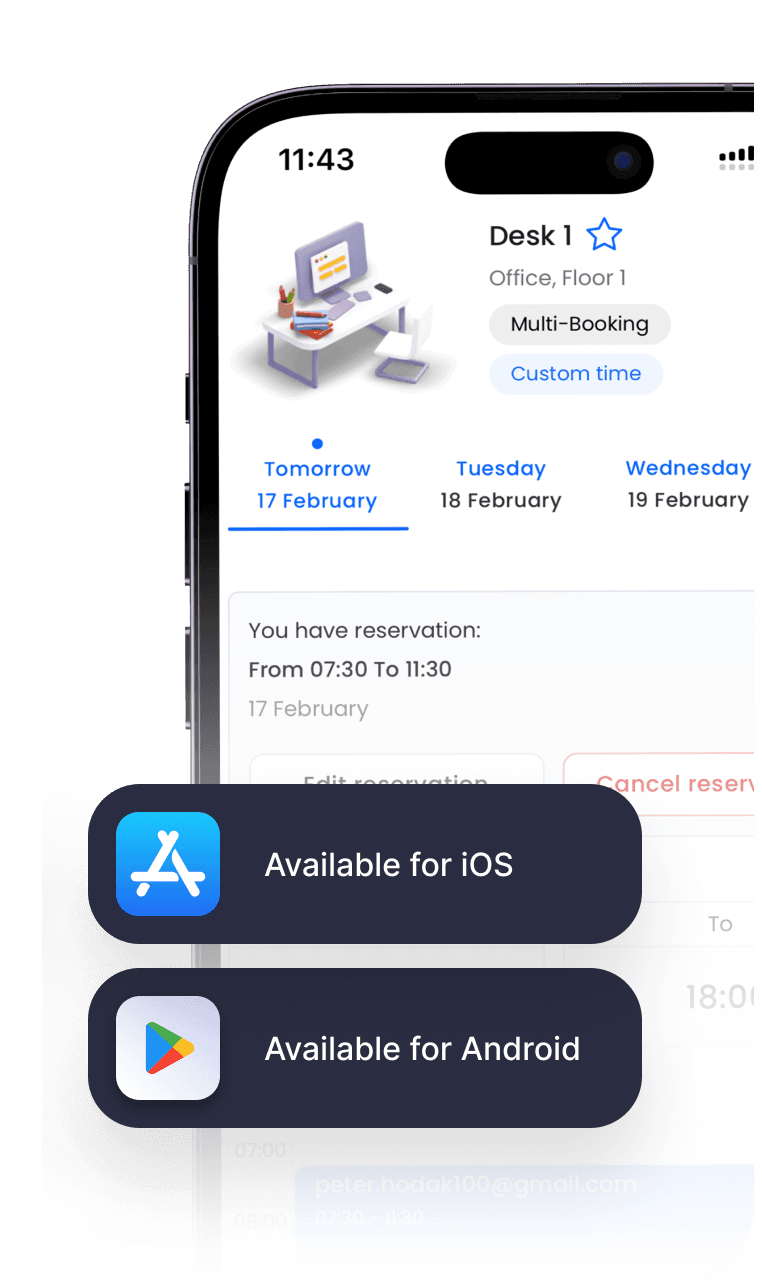
Book your meeting rooms from anywhere. Available for iOS and Android.


INTEGRATIONS
Sync Dibsido with the tools you already use
Sign into Dibsido with Google or Microsoft account. Your bookings sync with your calendar, and Slack notifications keep you on track.






Frequently asked questions
Chances are, your question’s already been asked. We’ve put together a list of the most common ones.
What is the best meeting room booking system?
Among the prominent meeting room booking systems are Dibsido, Skedda, and OfficeSpace. However, selecting the best system always depends on the organization’s specific needs, such as team size, integration requirements, scalability, and of course, desired features.
For instance, Skedda may be a perfect fit for large enterprises that require a highly customizable solution integrated with a heterogeneous IT infrastructure. On the other hand, Dibsido stands out as an excellent choice for midsize to smaller businesses due to its flexibility, cost-effectiveness, and ease of use.
When choosing a meeting room booking system, consider factors like integration capabilities with existing tools (e.g., Google Calendar, Microsoft 365), ease of use, scalability, and the specific features that align with your organization’s workflow.
How to make a room booking system?
Creating a room booking system for your organization takes just a few minutes with Dibsido:
Create an account, start for free or choose any of our paid plans.
Upload your office floor plan or use one of our predefined layouts.
Use the interactive map to place and label your rooms with additional details.
Set up meeting room reservation rules and features based on your needs.
Connect Dibsido with your calendar service, such as Google Calendar, Microsoft 365, or Outlook.
Invite your colleagues and have them download the mobile app.
Enjoy a hassle-free meeting room booking system right away.
What is the meeting room booking system?
A meeting room booking system is software that enables employees to easily find and book shared spaces for meetings with colleagues, partners, or customers. Instead of relying on manual calendars or back-and-forth emails, it allows users to check real-time meeting room availability, reserve spaces instantly, and avoid scheduling conflicts.
These systems, also known as conference room scheduling or reservation software, include features like interactive floor plans, integration with Google Calendar, Microsoft 365, or Outlook, smart notifications, customizable booking rules, and more.
Conference room scheduling software is essential for smooth day-to-day operations, especially in modern workplaces with hybrid teams or limited space. Overall, it helps organizations efficiently manage and optimize the use of shared meeting areas.
Do I need a credit card to try Dibsido?
Nope! You can start a free trial without a credit card. Before your trial ends, we’ll remind you to pick a plan—whether it’s free or paid—so you can keep using Dibsido.
Can I sign up with Google or Microsoft accounts?
Yes! You can sign up with Google or Microsoft SSO (Single Sign-On).
Is there a mobile app for Dibsido?
Yep! Dibsido is available on both iOS and Android.
What if I don’t have a floor plan?
No worries! Just let us know, and we’ll help you sort it out.
Where is my data stored?
We only collect what’s needed—like your email—to keep things running smoothly. All data is encrypted and securely stored on Microsoft servers in Frankfurt, Germany. You can download or delete your data anytime.