Rated 4.9/5 on G2

Rated 4.7/5 Capterra
14-day Free Trial
No credit card required














A parking booking system you can set up in 5 minutes
Create an account, upload or sketch your parking map, place and label your spots, set booking rules and invite your colleagues. No parking map yet? We'll help you make one.


Parking reservation software that keeps it fair for everyone
One-click parking reservation
Pick an available parking spot on the interactive map, tap once, and it’s yours. No emails, no spreadsheets, no circling the car park.

Assigned parking spots you can share
Give regular office-goers a fixed spot. On their remote days they release it for others, or hand the day's reservation straight to a colleag

Fair parking with monthly booking limits
Set a monthly booking limit or a credit budget so everyone gets an equal chance at a spot. Spots still free a few hours before they start can be booked without credits, so none of them stay empty.


Parking waitlist with automatic assignment
Full car park? Join the waitlist and the next free spot is assigned to you automatically. Fair ordering moves people who rarely get a spot up the queue, and company car holders can go first.
Gate and barrier integration
Connect Dibsido to your car park entry. A license plate camera or Salto KS access control lets in people who have a booking and checks them in automatically, so spots nobody arrives for go back to the waitlist. Other gate systems can connect through our API.


PARKING MANAGEMENT
Parking management tools for admins
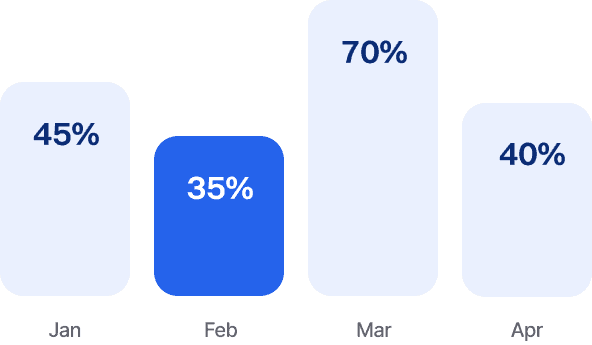
Parking usage analytics
See which spots get used, on which days and hours, and how many you actually need. Heatmaps and plain-language insights show where to optimize your parking.
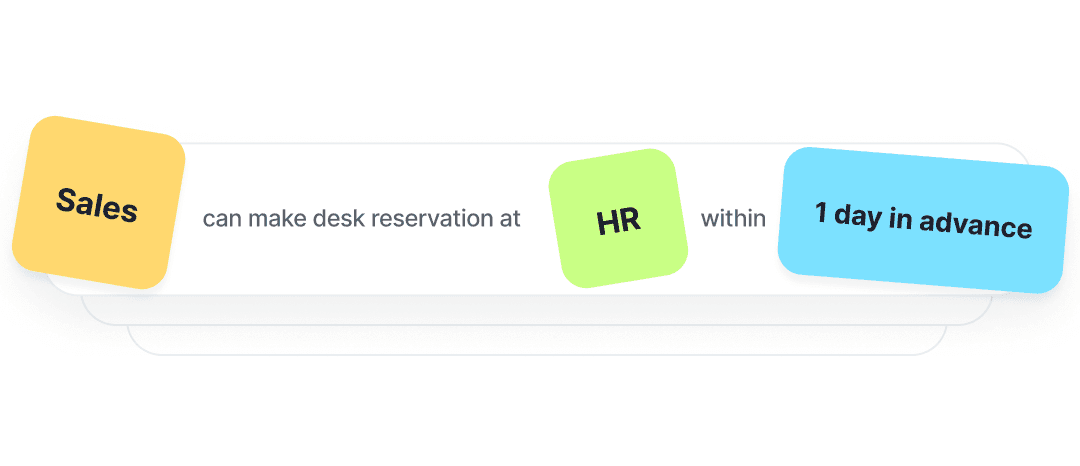
User Groups
Create groups by department and control who can book specific parking spots or zones.

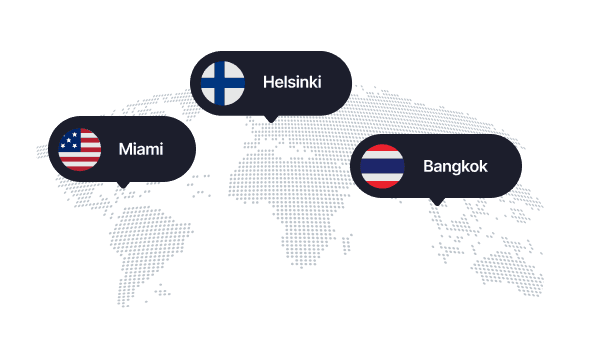
Parking across all your offices
Your team can book parking at any of your office locations. All in one neat app.
Booking Rules
Give priority to people who travel from afar, or reserve a zone for one team on set days.
Visitor parking
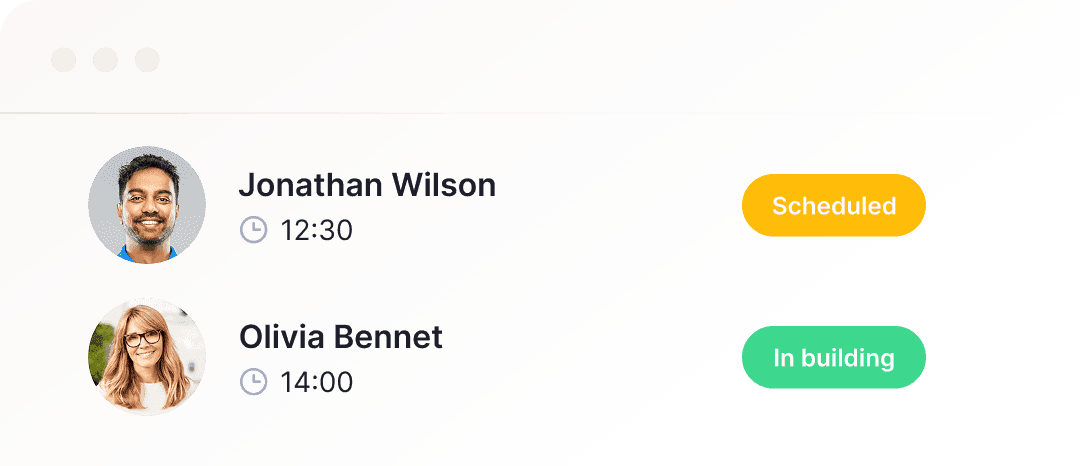
Create short-term bookings for visitors, like when a client drops by.
EV charging spots
Mark EV chargers on the map and let drivers book them for a set number of hours. If someone forgets to cancel, anyone allowed to use the charger can free it.

Languages
Customize the app to your liking and switch Dibsido to one of 12 languages.


Parking app for iOS and Android
Book, release or transfer a spot and join the waitlist from your phone. Download it on the App Store or Google Play.


Booking reminders: The day before, Dibsido asks if you still need the spot, so unused spots go back to the team.

Check-in and auto-release: People check in in the app or with a QR code on the spot. Spots without a check-in are released for the waitlist.

Booking restrictions: Someone keeps parking in the wrong spot? Block them from booking parking for a set period.

Automatic bookings: People who drive in on the same days get their spot booked automatically every week.

Reminders to book: Weekly, bi-weekly or monthly nudges, so people plan their parking ahead.

Cancellation report: See who cancelled, when and why, including no-shows and automatic releases.


INTEGRATIONS
Sync Dibsido with the tools you already use
Sign in with your Google or Microsoft account. Employees book parking right in Microsoft Teams or with /dibs parking in Slack, and get reminders in Slack or by email. See what other tools Dibsido works with.






Frequently asked questions
Chances are, your question’s already been asked. We’ve put together a list of the most common ones.
What is parking management software?
Simply put, parking management software tracks the real-time availability of workplace parking spaces and allows employees to book spots in advance or on demand. Its main purpose is to streamline parking-related tasks, create a fair system, maximize the use of every space, and ultimately turn a traditionally frustrating part of office life into a seamless experience for both office/facility managers and employees.
Modern parking management software is commonly delivered as SaaS and is used in environments where parking space is limited and demand fluctuates. Typically in hybrid workplaces or shared office buildings.
Beyond its core booking functionality, parking management solutions like Dibsido also provide insights into how parking spaces are used, allowing managers to spot trends, identify underutilized areas, and adjust allocations based on actual demand. The system also enables custom booking rules and permissions, making it easy to prioritize spaces for specific teams, roles, or time slots, and to support features like car sharing.
How to build a parking management system?
Creating a parking management system with Dibsido takes just minutes for organizations of any size.
After creating an account (you can start for free and scale as needed), you begin by creating a parking map – you can customize a predefined layout or even upload an image and map your own parking spots. Next, you define parking zones and place individual spots on the map.
Further setup takes just a few clicks. You have several options for configuring parking bookings, including setting the standard reservation length, applying custom rules for groups or individuals, limiting the number of reservations, enabling reminders, and more.
Finally, invite coworkers, have them download the app (available for iOS and Android), and enjoy hassle-free parking management where they can book their parking spots on the fly.
How much does parking management software cost?
Most parking management software is priced per user or per parking spot each month. Dibsido charges per spot, not per user: €4.20 (US$4.50) per parking spot per month, billed yearly, however many employees share them. Offices with up to 5 spots can use Dibsido for free. See all plans on our pricing page.
How do you share parking fairly when there are more employees than spots?
Start by making every booking visible, so nobody has to ask who parks where. Then add rules: a monthly booking limit or credits per person, priority for people who travel from far away or drive a company car, and a waitlist with fair ordering, so people who rarely get a spot move up the queue. People with an assigned spot release it on their remote days. Monolithic Power, with 10 spaces for about 130 employees, moved its car park from phone calls to Dibsido in under a week.
Is office parking management software different from car park management software for public car parks?
Yes. Car park management software for public car parks or parking operators handles payments, permits, ticketing and barrier control for drivers who pay to park. Office parking management software like Dibsido is for companies sharing their own car park between employees and visitors: people book a spot in advance, rules keep it fair, and admins see how the spots are used. If you run a paid public car park, you need an operator system; if you share a car park at work, you need a booking system.
Is there a mobile app for Dibsido?
Yep! Dibsido's parking app is available on the App Store and Google Play, so employees can book a spot, join the waitlist or release their assigned spot from their phone.
Can Dibsido connect to our car park gate or barrier?
Yes. Dibsido connects to license plate recognition cameras and to Salto KS access control. When a car with a booking arrives, the gate lets it in and the booking is checked in automatically. If nobody arrives, the spot is released for the waitlist. Other gate and access systems can connect through the Dibsido API, and we set up the integration together with your team.
Can employees book parking in Microsoft Teams or Slack?
Yes. The Dibsido app for Microsoft Teams covers parking as well as desks, meeting rooms and company cars, and it also runs in the new Outlook. In Slack, people type /dibs parking monday to book a spot, and the Home tab shows parking availability for the whole week.
Do I need a credit card to try Dibsido?
Nope! You can start a free trial without a credit card. Before your trial ends, we’ll remind you to pick a plan—whether it’s free or paid—so you can keep using Dibsido.
Can I sign up with Google or Microsoft accounts?
Yes! You can sign up with Google or Microsoft SSO (Single Sign-On).
What if I don’t have a floor plan or parking map?
No worries! Just let us know, and we’ll help you sort it out.
Where is my data stored?
We only collect what’s needed—like your email—to keep things running smoothly. All data is encrypted and securely stored on Microsoft servers in Frankfurt, Germany. You can download or delete your data anytime.