Rated 4.9/5 on G2

Rated 4.7/5 Capterra


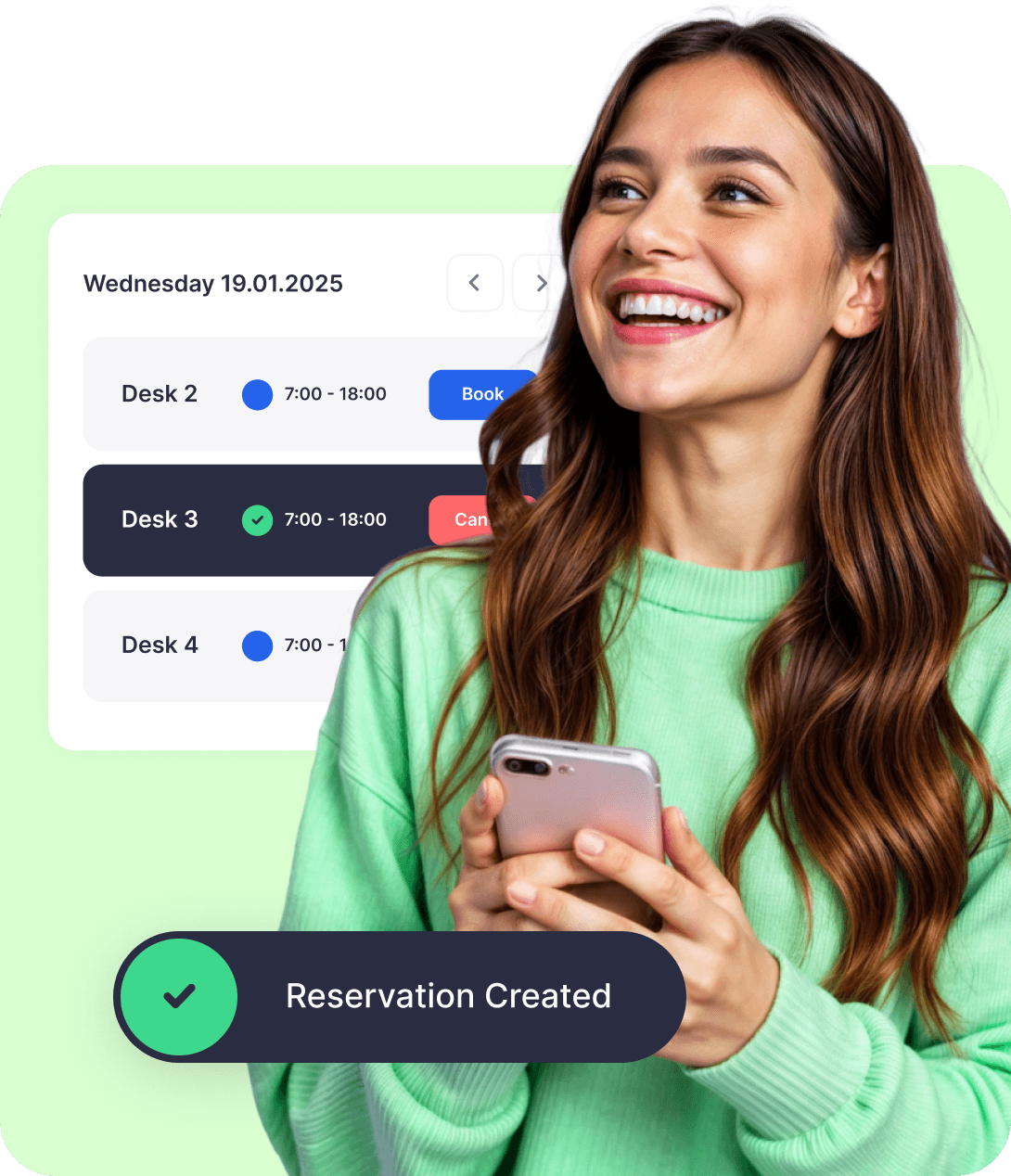










A desk booking system you can set up in 5 minutes
Create your floor plan, set your booking rules, invite your team with Google or Microsoft sign-in, and people start booking desks the same day.


Desk booking features that keep it simple




DESK BOOKING
Desk management for admins: rules, groups, branches and analytics
Desk usage analytics
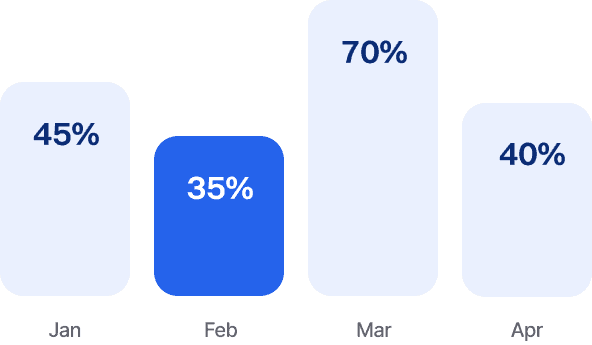
Dibsido's fluent in data. Heatmaps on your own floor plan, peak days and hours, and plain-language tips like how many desks you actually need.
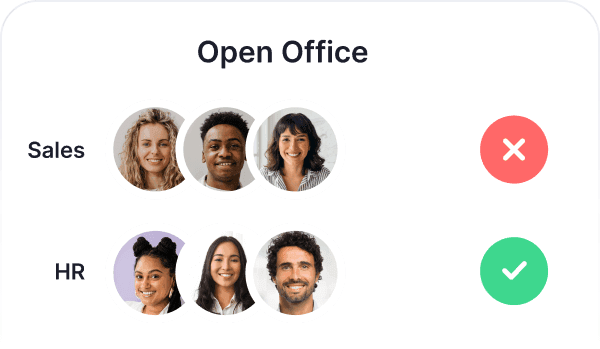
User Groups
Create groups by department and control who can book specific desks or areas.
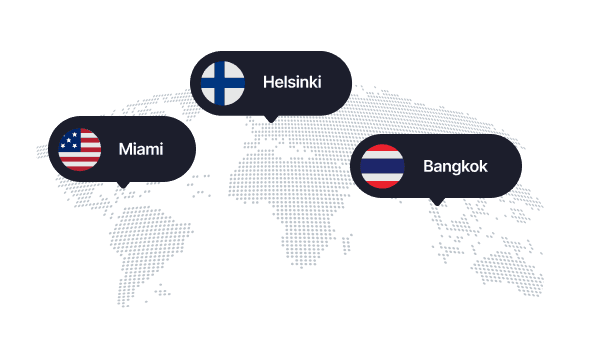
Multiple offices and branches
Whether it’s HQ or a remote branch, your team can easily book desks across all your locations.
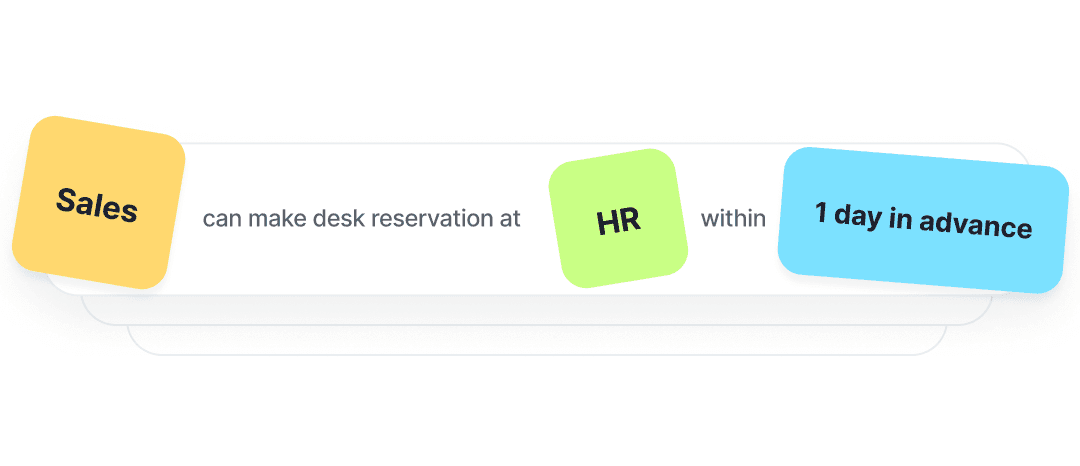
Booking rules
Design custom booking rules and assign priority access to desks in specific departments, so teams always have their spot.
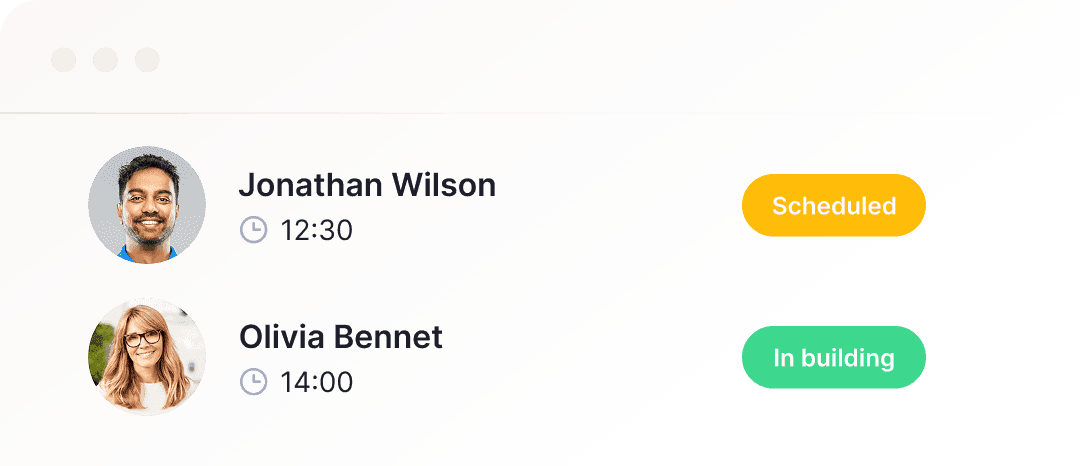
Visitors
Guests on the horizon? That calls for a proper welcome! Book them a desk and wow them with a smooth check-in.
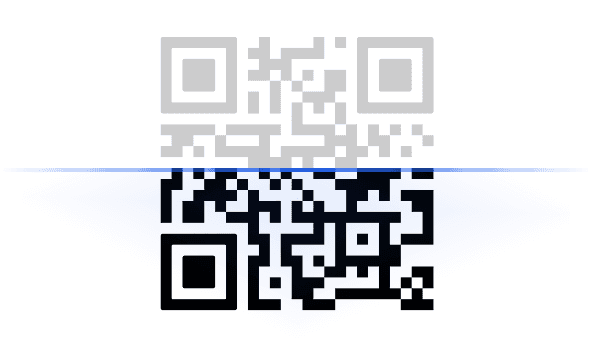
QR code desk check-in
Meet your new work buddy: a QR code on every desk for fast check-ins and reservations.
Microsoft Teams Integration
Native Microsoft Teams integration. Book desks or meeting rooms using your existing Microsoft 365 login.
Languages
Customize the app to your liking and switch Dibsido to one of 12 languages.




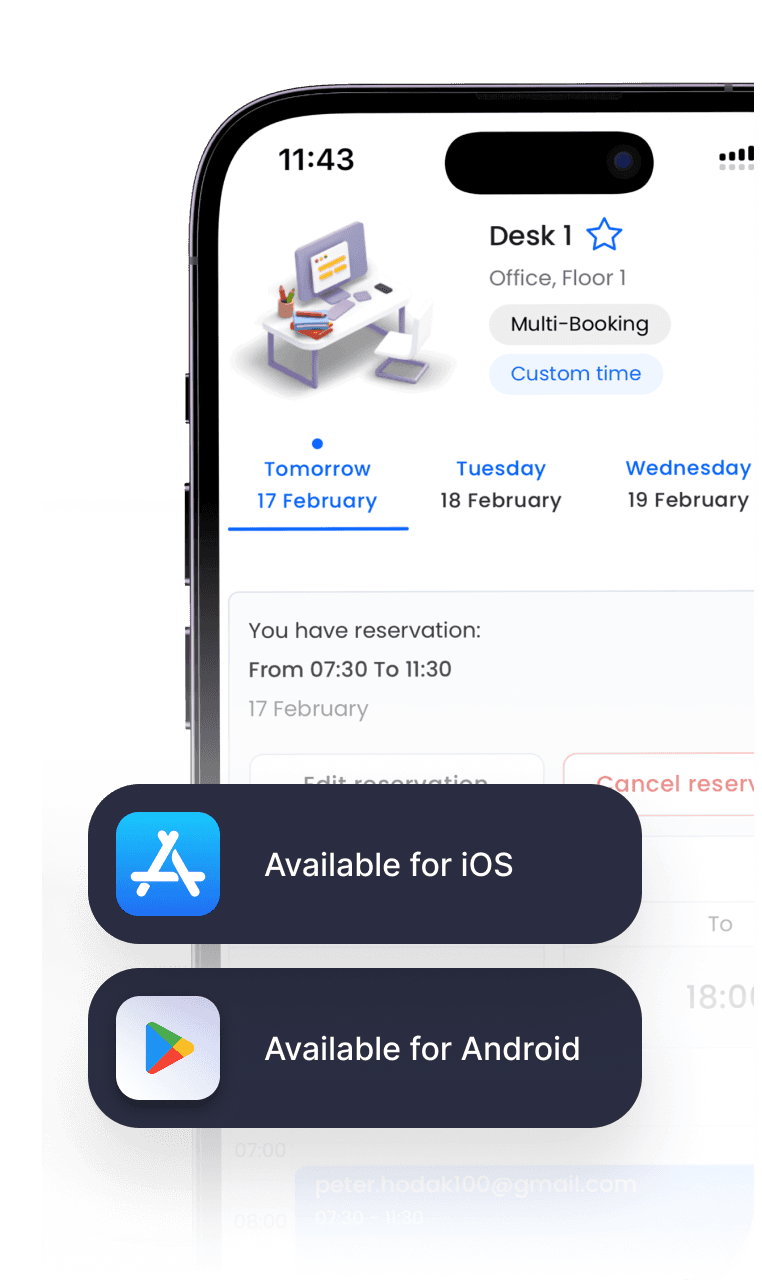
Desk booking app
At the office, on the train, or on the couch—book your desk wherever life takes you. Available for iOS and Android.

Reminders to book: Weekly, bi-weekly or monthly nudges, so people plan their office days ahead, not at 8:55 on Monday.

Booking reminders: The day before, Dibsido asks if you still need your desk, so unused desks go back to the team.

Waiting list: All desks taken? Join the queue and get a desk automatically when someone cancels. Fair ordering puts occasional bookers first.

Booking restrictions: Repeat no-shows? Block someone from booking for a set period. Joe will think twice.

No-show reports: See no-show rates and who books the most but doesn't show up.

Floor plan objects: Mark emergency exits, first aid kits, sofas and plants on the map, so people find their way around.


INTEGRATIONS
Sync Dibsido with the tools you already use
Sign in with your Google or Microsoft account, and every desk booking comes with a calendar invite. Book desks inside Microsoft Teams or get reminders in Slack. See what other tools Dibsido works with.






Frequently asked questions
Chances are, your question’s already been asked. We’ve put together a list of the most common ones.
What is a desk booking system?
A desk booking system is software that allows employees to easily reserve desks in advance for specific times and dates. These systems are especially useful in hybrid work environments, where employees alternate between working remotely and in the office.
Desk booking systems, also known as desk management systems, hot desking software, or hotelling, help employees find available workspaces, reserve them in advance, and avoid scheduling conflicts. This makes office space usage more efficient and transparent. At the same time, they help office or operations managers optimize space utilization, reduce overhead costs, and improve employee flexibility and satisfaction.
Beyond booking functionality, desk booking software typically includes features such as interactive floor plans, real-time availability tracking, calendar integration, custom booking preferences, space usage analytics, and more.
Modern office desk booking systems, such as Dibsido, are delivered as SaaS and typically come with mobile apps for easy access. This eliminates the need for customers to maintain on-premise systems and offers several advantages, including cost-effectiveness, ease of use, and scalability when adding new users or expanding to features like meeting room reservations or parking management.
Check out our blog on the best desk booking software to get a comparison of today’s leading hot desking vendors.
Does Microsoft have a desk booking system?
Yes. Microsoft Places comes with Microsoft 365, but some of its features need an extra per-space license. Dibsido works inside Microsoft Teams and Outlook with your existing Microsoft 365 login, and you don't need a per-desk Microsoft license. See desk booking in Microsoft Teams.
Can Dibsido track office attendance for our hybrid work policy?
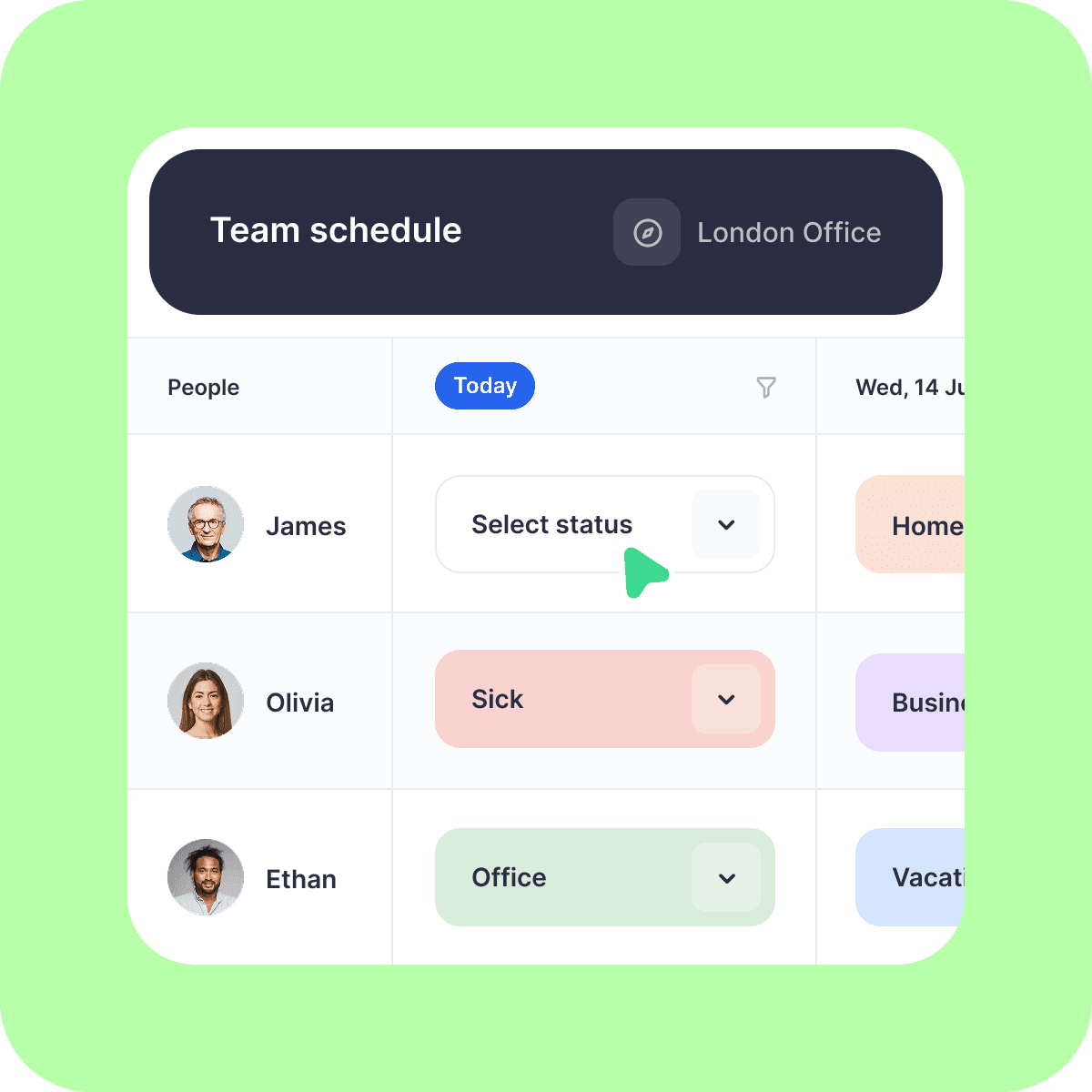
Yes. Set a target number of office days per week for the whole company or for each team. Dibsido counts office days from desk bookings, and optionally from the "Office" status in Team schedule. Sick days and vacation lower the target instead of counting as a miss. Employees get reminders when they're below target, and admins see compliance in a weekly email and in the Policy Compliance report.
How does Dibsido reduce desk no-shows?
Dibsido reminds people the day before their booking and asks if they still need the desk. People check in with a QR code or in the app, and desks without a check-in are released automatically for colleagues. Admins see no-show rates in reports and can block people who repeatedly don't show up from booking for a set period.
How much does desk booking software cost?
Most desk booking software is priced per user or per desk each month. Dibsido costs €1.70 per user or €2.60 per desk per month, billed yearly, so you can pick whichever is cheaper for your office. Teams of up to 10 users can use Dibsido for free, and companies with more than 200 users get a custom Enterprise quote. See all plans on our pricing page.
Is there a mobile app for Dibsido?
Yep! Dibsido's desk booking app is available on the App Store and Google Play, so people can book a desk, check in with a QR code and see who's in the office from their phone.
Can I use desk booking software for free?
Yes. Dibsido is free for up to 10 users, with interactive floor plans, reports and the iOS and Android app included. Larger teams can start a 14-day free trial of the paid plan, no credit card required. Details are on our free desk booking page.
Do I need a credit card to try Dibsido?
Nope! You can start a free trial without a credit card. Before your trial ends, we’ll remind you to pick a plan—whether it’s free or paid—so you can keep using Dibsido.
Can I sign up with Google or Microsoft accounts?
Yes! You can sign up with Google or Microsoft SSO (Single Sign-On).
What if I don’t have a floor plan or parking map?
No worries! Just let us know, and we’ll help you sort it out.
Where is my data stored?
We only collect what’s needed—like your email—to keep things running smoothly. All data is encrypted and securely stored on Microsoft servers in Frankfurt, Germany. You can download or delete your data anytime.