Rated 4.9/5 on G2

Rated 4.7/5 Capterra
14-day Free Trial
No credit card required














Here's why teams like yours choose Dibsido

Quick self-onboarding. You can set everything up yourself. Just invite colleagues then and Dibsido’s straightforward UI takes care of the rest. It’s that easy.

No app switching. Create and manage workplace bookings directly in MS Teams. Desks, meeting rooms, and parking are one click away in the sidebar.

Uncompromised security. Use Microsoft 365 login or Entra ID to access Dibsido and enjoy seamless bookings without ever leaving your Microsoft environment.
Incredibly easy-to-use desk booking for Microsoft Teams
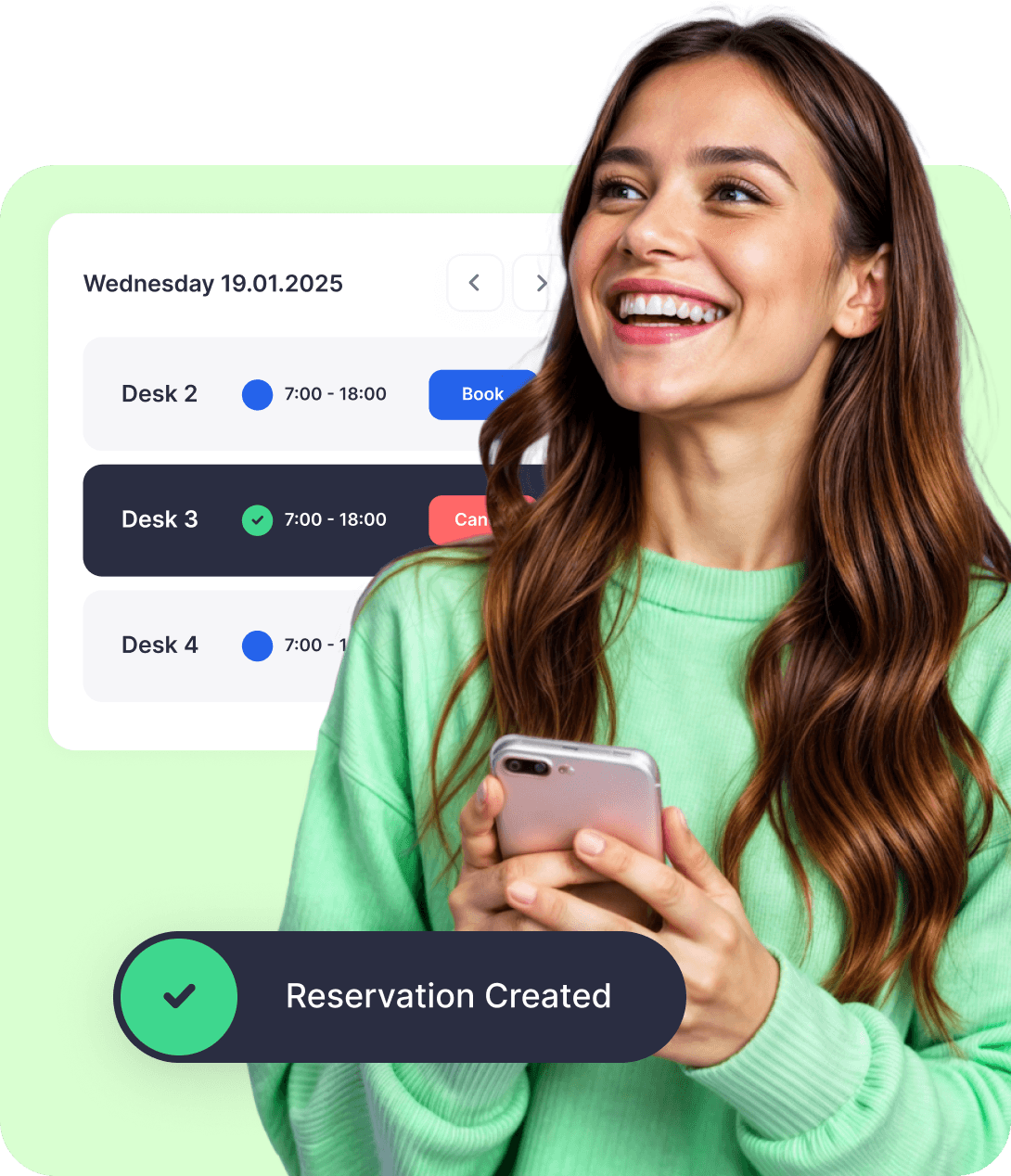
Dibsido is a desk booking system for Microsoft Teams: your team reserves desks, meeting rooms, and parking from inside Teams, with no separate app to install and no IT project to set up. Bookings show live availability and a floor plan, so people pick a seat in one click on the days they come in. For a step-by-step walkthrough and how the alternatives compare, see our guide to desk booking in Microsoft Teams.



DESK BOOKING
Let's call dibs! on an organized office
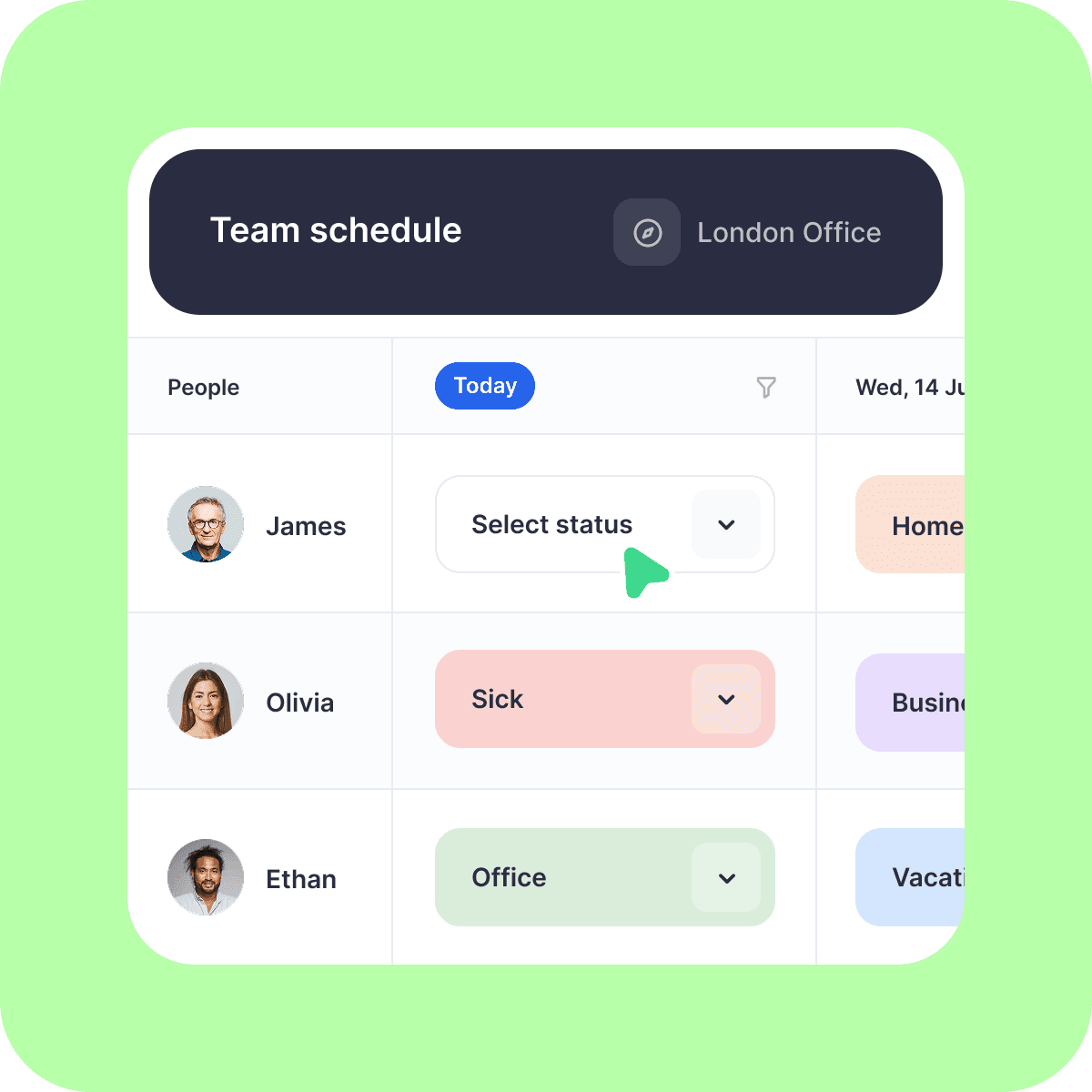
Analytics
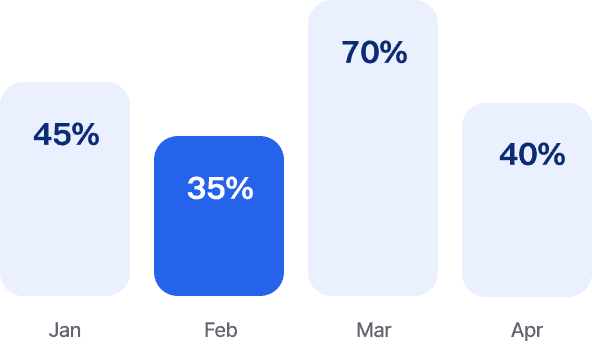
Dibsido’s fluent in data. Get insights on desk usage, office peak days, and everything in between.
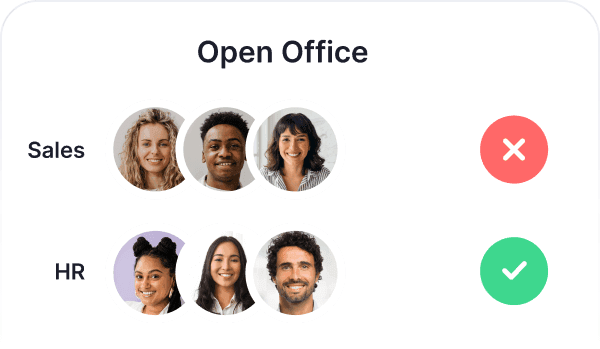
User Groups
Create groups by department and control who can book specific desks or areas.
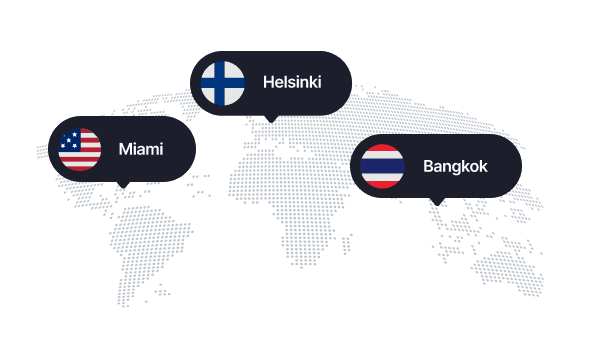
Branches
Whether it’s HQ or a remote branch, your team can easily book desks across all your locations.
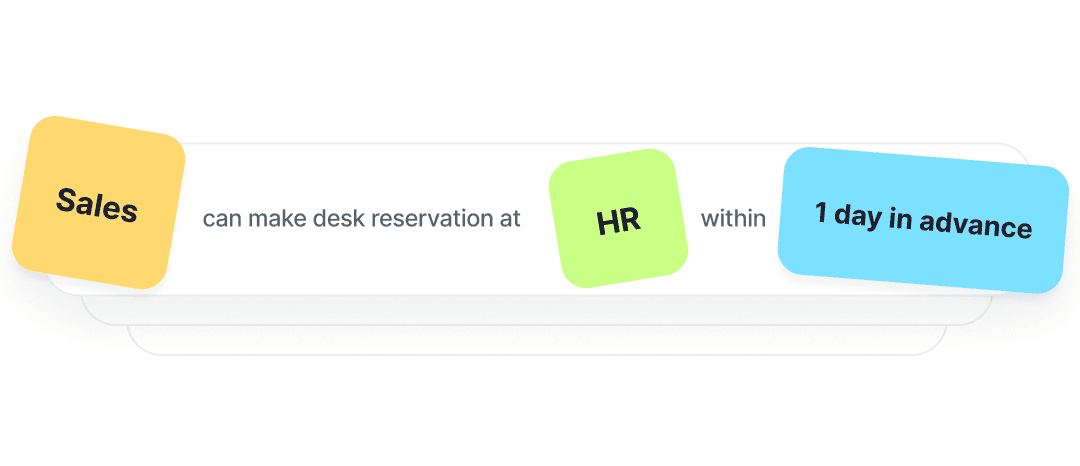
Booking rules
Design custom booking rules and assign priority access to desks in specific departments, so teams always have their spot.
Visitors
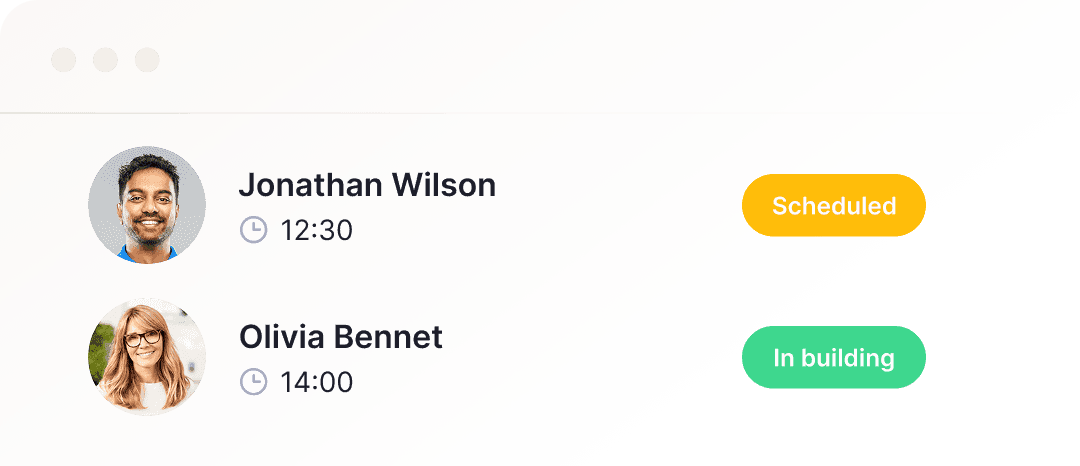
Guests on the horizon? That calls for a proper welcome! Book them a desk and wow them with a smooth check-in.
QR Codes
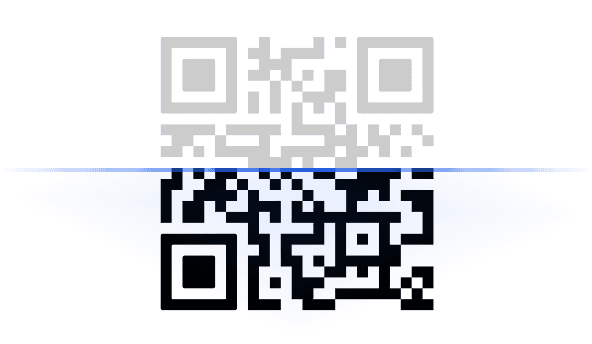
Meet your new work buddy: a QR code on every desk for fast check-ins and reservations.
Rooms Booking
From hot desks to meeting rooms. Get all your workplace bookings into one app.
Languages
Customize the app to your liking and switch Dibsido to one of 12 languages.




Mobile App
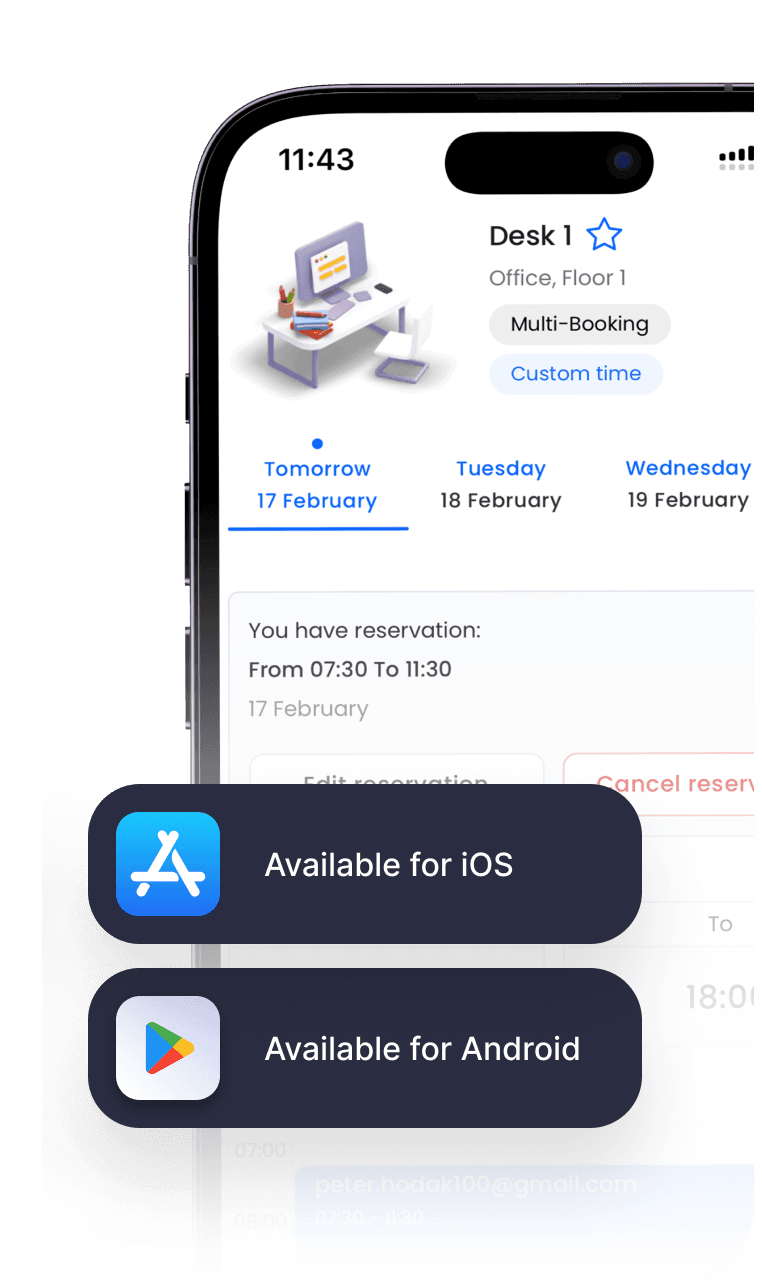
At the office, on the train, or on the couch—book your desk wherever life takes you. Available for iOS and Android.

TESTIMONIALS
See why your peers love Dibsido









Try a Desk Booking System Built Right into Your MS Teams Sidebar
Frequently asked questions
Chances are, your question’s already been asked. We’ve put together a list of the most common ones.
Does Microsoft have a desk booking system?
Microsoft offers several ways to book desks through its 365 ecosystem: Microsoft Places, Teams, Outlook/Exchange resource mailboxes, and Microsoft Bookings.
Places is the most advanced option, allowing admins to define buildings, floors, and desks, with reservations made through Outlook, Teams, or the Places app. Teams also supports automatic desk reservations when users connect to peripherals, while Outlook/Exchange lets desks be set up as resource mailboxes. Bookings, originally designed for appointment scheduling, can be repurposed for desk reservations through a web or Teams interface.
However, these options provide basic booking functionality, and each has significant limitations compared to dedicated desk-booking apps such as Dibsido.
Microsoft Places requires complex setup, often using PowerShell, and lacks a simple out-of-the-box floor map. Teams booking is limited to desktop clients and requires Premium licenses for individual seat selection. Outlook/Exchange resource mailboxes offer only a plain list view, making seat selection cumbersome in larger offices, and Bookings feels like a workaround with no concept of office layout or hot-desking features.
In practice, Microsoft’s native solutions work for simple scenarios within a Microsoft-only environment but fall short in user experience, visualization, and ease of administration. They lack the intuitive mobile-first interfaces, interactive maps, flexible policies, and built-in analytics that specialized SaaS platforms like Dibsido provide, making them less suited for organizations seeking a modern, frictionless hybrid workplace experience.
Can you book desks inside Microsoft Teams?
Yes. With Dibsido, employees reserve a desk, room, or parking spot from inside Microsoft Teams, so booking happens in the app they already use all day. It also works natively in Slack.
Do you need to install a separate app to book desks in Teams?
No. Dibsido adds desk booking inside Teams without a standalone tool, so there is nothing extra for employees to download or learn.
How long does it take to set up desk booking for Microsoft Teams?
About 5 minutes. Dibsido is self-serve with no sales call and no credit card to start, so an office admin can launch booking the same day and invite the team.
Why choose Dibsido over Microsoft’s desk booking tools?
Microsoft’s native desk booking tools work for basic scenarios in a purely M365 environment. But they require Teams Premium licensing, complex admin setup (requires manual setup via PowerShell), and often lack the specialized floorplan, customization, and analytics features needed for a thriving hybrid office.
Dibsido is purpose-built for hybrid workplace booking and delivers a smoother experience from day one. Its user-friendly app is available directly in the Microsoft Teams sidebar, supports login via Microsoft or Entra ID, and offers mobile apps that make desk reservations frictionless. Setup is fast and DIY-friendly, and interactive floor maps put the layout at everyone’s fingertips.
The platform also offers deep, easy-to-use customization (policies, rules, resources), broad ecosystem integrations, and built-in analytics.
What are the benefits of the Dibsido desk booking system for Microsoft?
Dibsido is a proven desk booking system trusted by companies like Toyota, Ataccama, and Société Générale, and it consistently earns high marks from users. In a nutshell, it brings office managers and employees the following benefits:
Exceptional ease of use (intuitive interface, one-click bookings, quick setup)
Interactive floor plans and visual experience
Native mobile apps for flexibility (iOS & Android)
Built-iIn analytics and real-time space usage insights
Flexible administrations and custom booking, user, group rules
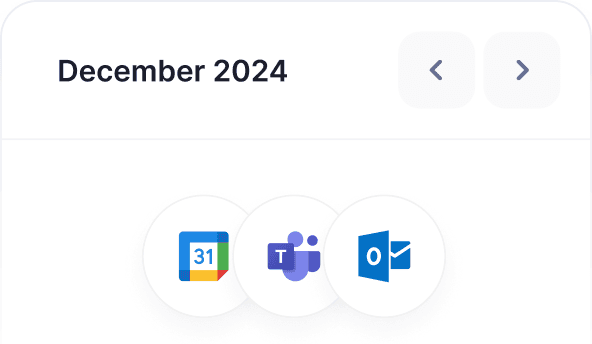
Seamless integration with existing tools
Multi-resource handling (Dibsido handles also parking spaces, meeting rooms, and visitor management)
Do I need a credit card to try Dibsido?
Nope! You can start a free trial without a credit card. Before your trial ends, we’ll remind you to pick a plan—whether it’s free or paid—so you can keep using Dibsido.
Is there a mobile app for Dibsido?
Yep! Dibsido is available on both iOS and Android.
Where is my data stored?
We only collect what’s needed—like your email—to keep things running smoothly. All data is encrypted and securely stored on Microsoft servers in Frankfurt, Germany. You can download or delete your data anytime.