Rated 4.9/5 on G2

Rated 4.7/5 Capterra
14-day Free Trial
No credit card required












Start hot desking in just 5 minutes
01.
Sign Up & Set Up
Create your account and optionally upload your office floor plan.
02.
Map Your Office
Use our interactive map feature to place and label your desks or rooms with additional info.
03.
Invite & Go
Bring colleagues on board and start booking right away!
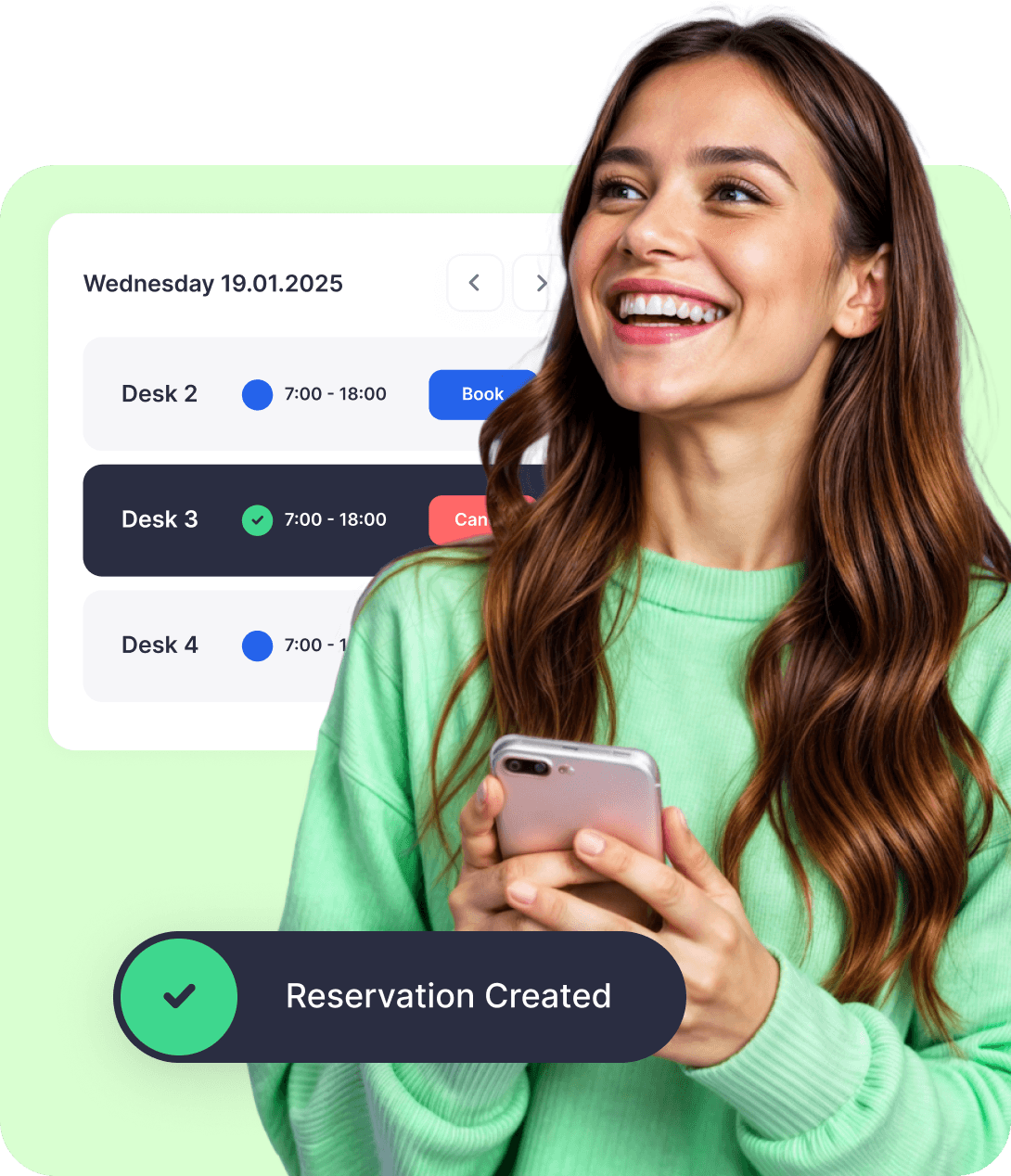
Book hot desks with just one click


DESK BOOKING
Hot desk management made easy
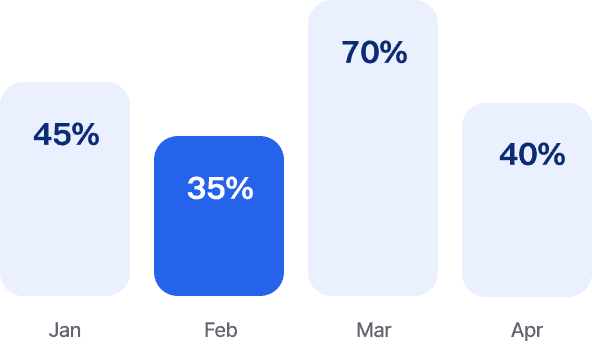
Space Usage Insights
Know which desks are hot and which are not. Dibsido gives you the data to optimize your setup.
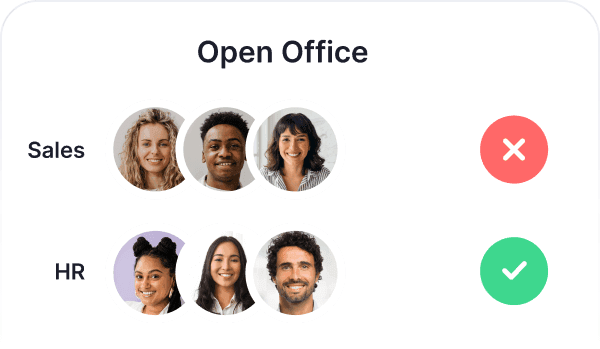
Group Rules
Control access by teams or roles. Marketing gets one zone, developers another. Whatever works for you.
Multiple Offices
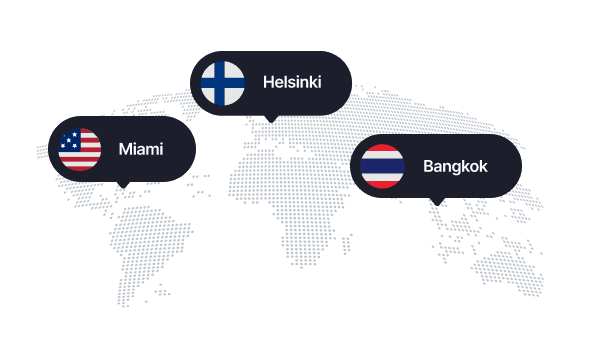
Have desks in different cities or branches? Manage all your hot desk availability in one place.
Custom Booking Rules
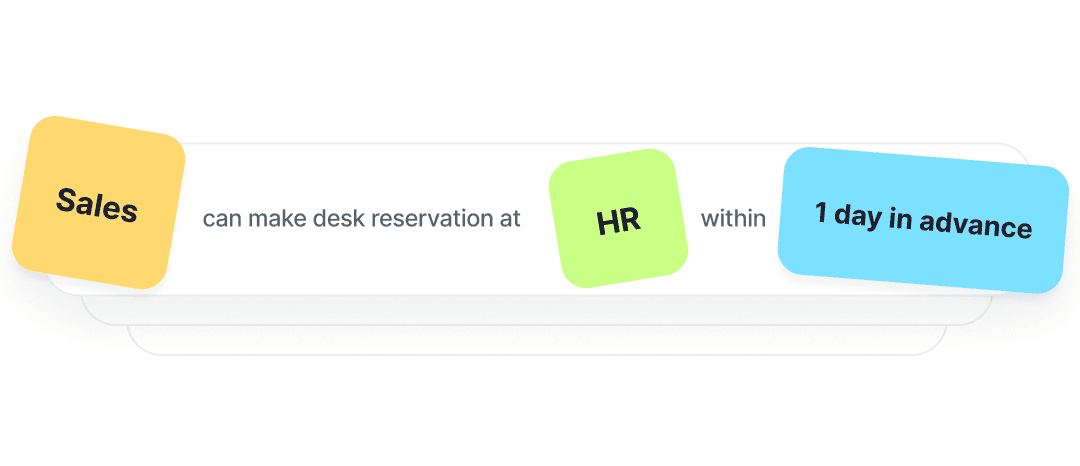
Assign priority access, limit bookings per user, or define who can book where and when.
Visitors
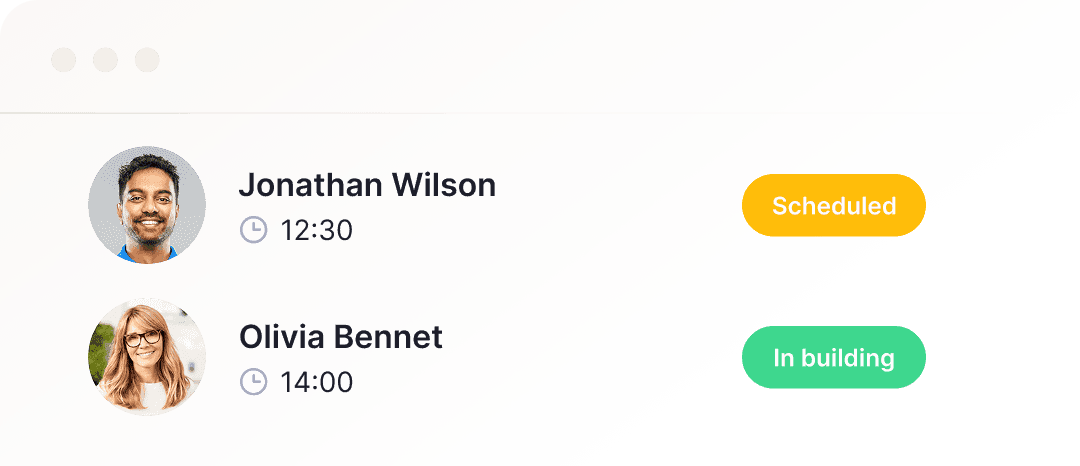
Expecting guests? Reserve a desk for them and handle check-in like a pro.
QR Codes
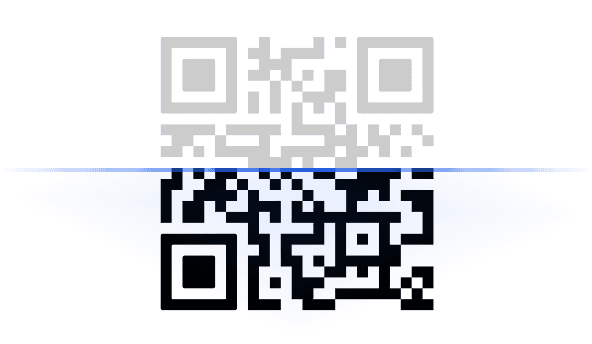
Meet your new work buddy: a QR code on every desk for fast check-ins and reservations.
Microsoft Teams Integration
Native Teams integration. Book desks or meeting rooms using your existing Microsoft 365 login.
Languages
Dibsido speaks your team’s language. Choose from 12 available.




Book From Anywhere
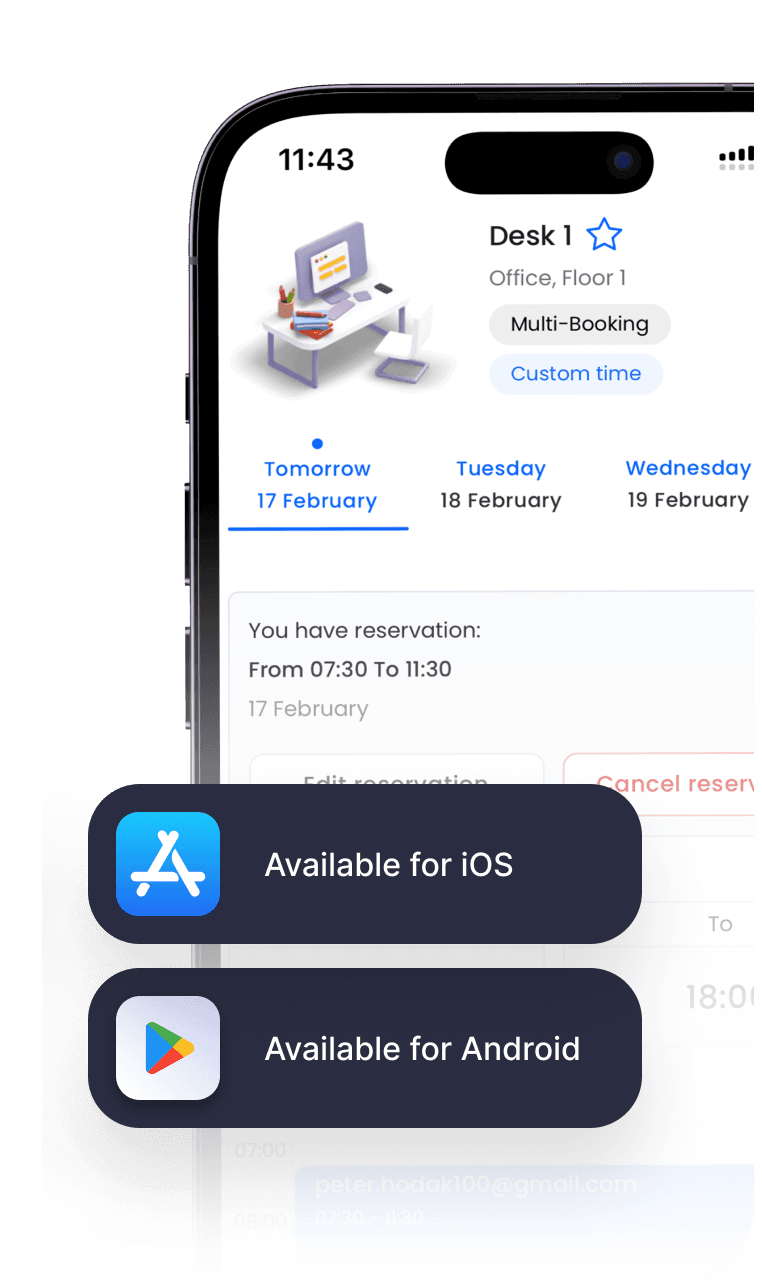
At the office, on the train, or even on your couch, call "dibs" on your desk wherever life takes you. Available for iOS and Android.


INTEGRATIONS
Login with your Microsoft or Google account. Book directly in Teams, sync with Outlook calendar, get Slack updates. Already built-in.






Frequently asked questions
Chances are, your question’s already been asked. We’ve put together a list of the most common ones.
What is hot desking?
Hot desking is the office practice of using shared desks instead of assigning a permanent workspace to each employee. Also known as hoteling, hot desking is essential in hybrid work environments, where employees split their time between working remotely and being on-site.
By implementing hot desking, companies can benefit from:
Better office desk space utilization
Lower real estate and facility costs
Improved collaboration by allowing employees to sit near their teammates
Support flexible work schedules without sacrificing productivity
What is hot desking software?
Hot desking software helps employees reserve desks in flexible or hybrid office environments. It allows users to check desk availability, book a spot in advance, and manage their workspace through a web or mobile app.
In a business environment, office managers use hot desk booking software to better utilize available workspace, reduce facility costs, and increase employee satisfaction through flexible working arrangements.
Modern hot desk booking systems, such as Dibsido, are delivered as SaaS and typically offer mobile apps for easy access from anywhere. These systems include features such as:
Interactive floor plans visualizing availability
Desk booking calendars with attributes and filters
Usage analytics and reporting for data-driven decisions
Access controls and permissions to restrict bookings
Integrations with third-party tools and existing digital infrastructure
How to make hot desking work?
Making hot desking work in a hybrid-work environment requires the right mix of technology, clear policies, and employee buy-in. Here are some key tips:
Embrace technology. Use a specialized hot desk booking software like Dibsido to enable seamless desk reservations.
Deploy hoteling and zoning. Segment spaces into team zones to support better collaboration.
Let people own a space. Allow employees to book recurring slots at consistent desks.
Establish a hot desking policy. Clearly communicate guidelines such as recurring bookings, cancellation rules, cleaning responsibilities, and etiquette to reduce confusion and misuse.
Does Microsoft Teams have hot desk booking?
Microsoft Teams has built-in features for desk booking through Microsoft Places and Bookable Time, available on certain Microsoft 365 plans. Teams choose dedicated hot desk booking software when they want more granular booking rules, a single tool that also covers parking spots and meeting rooms, and better visibility into space utilization data. Dibsido is built natively into Microsoft Teams, so employees book without installing another app, and admins manage desks, meeting rooms, and parking from one dashboard.
How is hot desking different from desk hoteling?
Hot desking is short-term: an employee finds any free desk and uses it for the day. Desk hoteling is longer-term and reservation-based: an employee books a specific desk in advance, often for multiple days or weeks. Most modern hybrid offices mix the two: some desks are bookable in advance (hoteling), others are open-seat first-come-first-served (hot desking). Hot desk booking software typically supports both modes.
Is there free hot desk booking software?
Several vendors offer a free plan for smaller teams that covers the basics: desk reservation, a floor plan view, and a mobile or web interface. Free plans usually cap the number of users, the number of locations, or the integrations available. Paid plans add multi-location management, advanced rules, analytics, and integrations like Microsoft Teams or Slack. Dibsido offers a free plan for small teams and a 14-day trial of paid plans without a credit card.
Can I sign up with Google or Microsoft accounts?
Yes! You can sign up with Google or Microsoft SSO (Single Sign-On).