Use this desk sharing ratio calculator to find the right desk to employee ratio and recommended desks for hybrid teams. Enter team size, average and peak attendance, and a target peak occupancy to see desk utilization in seconds.
Calculate your desk sharing ratio
What is a desk sharing ratio?
A desk sharing ratio is the number of employees who share each desk in a workplace. It's a hybrid-office planning number that tells you how heavily your desks are pooled, so you can size your office to the way your team actually works.
The formula is simple: Desk sharing ratio = number of employees ÷ number of desks. A ratio of 1.0 means one desk per employee (a fixed-seating office, nobody shares). A ratio of 2.0 means two employees per desk (a heavy hot-desking office). Most modern hybrid offices land between 1.2 and 2.0 employees per desk, depending on attendance patterns.
A lower ratio means more cost and more empty desks on quiet days. A higher ratio means lower cost but a risk of desk shortages on busy days. The right number depends on your team's actual peak attendance.
Typical desk sharing ratios for hybrid offices
The right desk sharing ratio depends on how often your team is actually in the office. Common ranges, expressed as employees per desk:
2.0 to 3.3 — Remote-first teams in the office 1-2 days per week. Two to three employees share each desk.
1.4 to 2.0 — Balanced hybrid teams in the office 2-3 days per week. The most common range for modern hybrid offices.
1.1 to 1.4 — Office-first teams in 4+ days per week. Closer to traditional seating but with some flexibility.
1.0 or below — Fixed seating, traditional offices. One desk per employee, no sharing.
These ranges assume a peak occupancy buffer of 80 to 85%, which prevents employees from arriving on a busy day and finding no desk available. Adjust the calculator above to your team's actual attendance pattern to see what number fits your office.
Plan your desk sharing
ratio in minutes

Smart desk allocation. Calculate precise desk-to-employee ratios from real attendance patterns and your peak-day target.

Maximize utilization. Optimize desk utilization to reduce office costs while ensuring employees always have available workspace when needed.

Real-Time Planning Adjust attendance patterns and occupancy targets to see instant recommendations for your ideal desk sharing setup.
Desk sharing guide
How to choose a desk sharing ratio
Look at headcount, compare a normal day with your busiest day, set a comfortable peak occupancy. The calculator turns that into a desk count and an easy desk to employee ratio. Once you have the number, write the rules down: our hot desking policy template covers booking windows, no-shows and fixed-seat exceptions.


Desk sharing made simple
Remote-heavy teams share more. Office-first share less. Tweak the inputs to see your recommendation and expected use on average and peak days. Need m² or ft²? Use it in the Office Space Calculator.

DESK BOOKING
Desk booking for hybrid workplaces
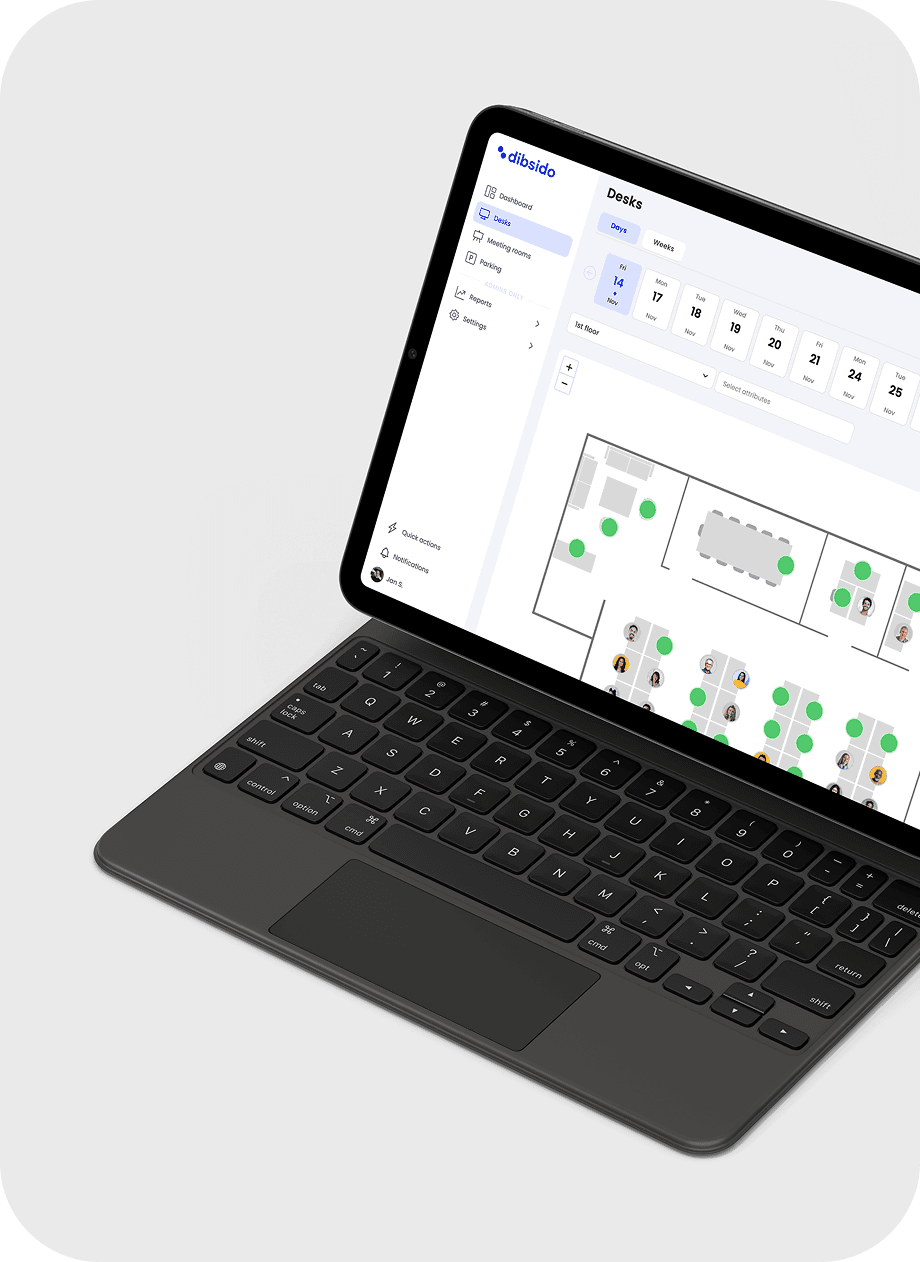
Dibsido is a single app to manage all your seating. Empower your team to book desks while you gain the data to make informed, cost-saving decisions

Desk sharing ratio FAQ
What is a good desk sharing ratio for a hybrid office?
A good desk sharing ratio for a hybrid office in 2026 is between 1.4 and 2.0 employees per desk, meaning each desk is shared by 1.4 to 2 people on average. The exact ratio depends on hybrid policy: a 2-day-in-office week typically lands at 2.0 to 2.5 employees per desk, while a 3-day-in-office week lands at 1.4 to 1.7. Other factors include how synchronized attendance is across the week and how much buffer the office wants for unexpectedly busy days. Most offices targeting a peak occupancy of 80 to 90 percent land between 1.4 and 1.7 employees per desk.
How do I calculate desk sharing ratio?
Desk sharing ratio is the number of employees divided by the number of desks. A 100-person office with 60 desks has a desk sharing ratio of 1.67 employees per desk. To plan a new office, divide expected employee count by your target ratio to get desks needed: 100 employees with a target of 1.5 means 67 desks. To validate against real demand, divide peak-day in-office attendance by total desks: the result should sit between 80 and 90 percent for a healthy buffer. Above 100 percent means employees regularly cannot find a desk. Below 60 percent means the office is paying for unused space.
Does Dibsido help manage desk sharing?
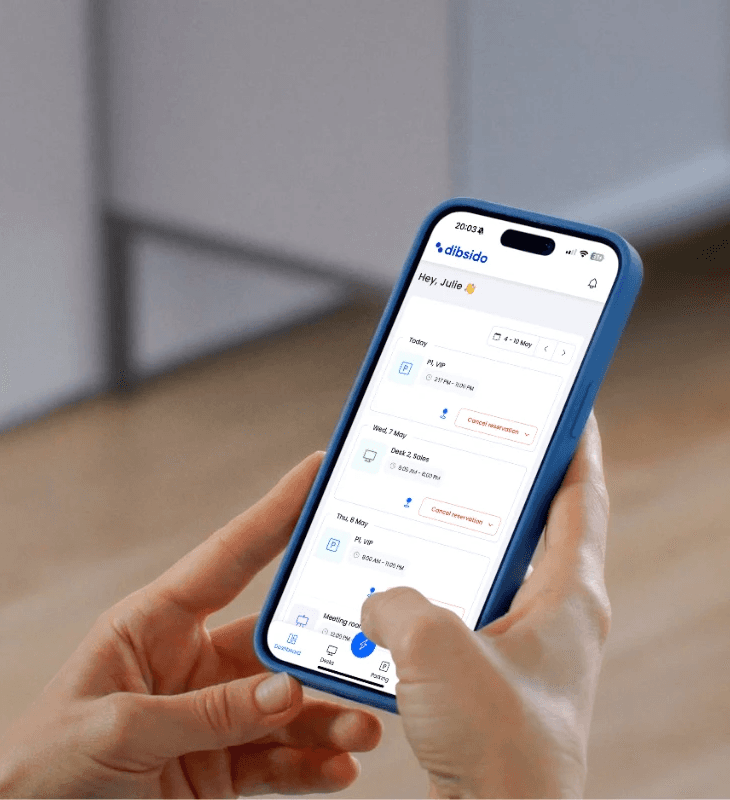
Yes. Dibsido is a workplace booking platform that lets employees reserve desks, meeting rooms, and parking spots in advance. For offices where employees share desks, Dibsido shows real-time availability, flags days when bookings exceed desk count, and tracks utilization so facility managers can validate whether the actual ratio matches the planned one. The free plan covers up to 10 users with no credit card.
What is the difference between desk sharing ratio and desk-to-person ratio?
Desk sharing ratio can be expressed two ways: as employees per desk (the convention on this page and what the calculator above outputs) or as desks per employee, sometimes called "desk-to-person ratio". They are reciprocals of the same number: 1.67 employees per desk is the same physical setup as 0.6 desks per employee. The "employees per desk" framing is more intuitive for hybrid teams because the number increases as sharing increases. The "desks per employee" framing is more common in commercial real estate planning. Pick whichever matches your team's mental model.