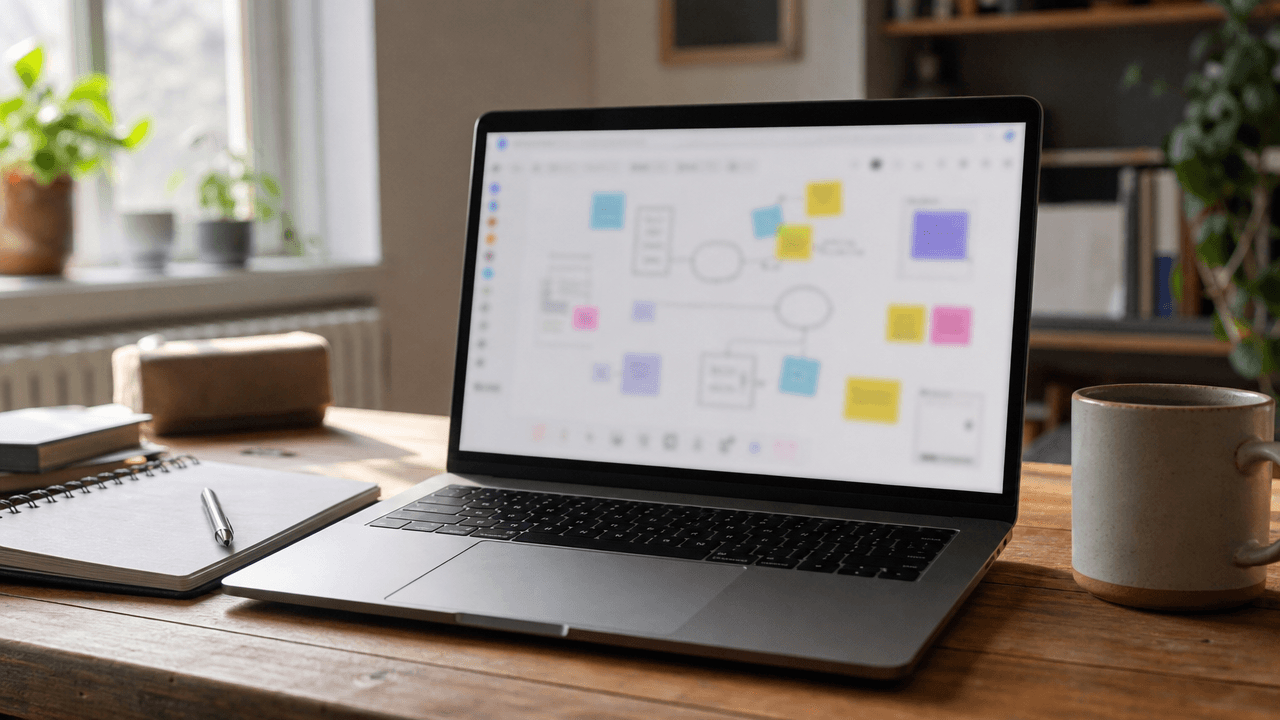
Brainstorming in a hybrid team is hard because the in-room people have an unfair advantage - a whiteboard nobody else can see. Infinite-canvas tools solve that imbalance, and they're now the default for cross-location work.
A Brainstorming Tool for Hybrid Offices
You know what they say: challenging situations call for creative solutions.
And since creative solutions don't just grow on trees (sadly), you sometimes need to spark the imagination and come up with fresh ideas. In our office, we've been testing different doodling apps with infinite canvases, which have recently become really popular for brainstorming sessions.
💡 These apps often include templates that guide you through a variety of scenarios, including product roadmaps, goal setting, user journey maps, running a board meeting, and icebreakers, helping you generate ideas for specific use cases.
The most popular tool at the moment is the online app Miro, which is also perfect for hybrid offices since it works great on calls and allows everyone to contribute.
So far, it helped us with:
🔵 Breaking complex problems into smaller, more manageable parts
🔵 Structuring and categorizing ideas, and spotting connections
🔵 Generating new product ideas and innovations
If you think this could be useful for brainstorming sessions in your own office, it's the kind of idea you could casually share with your leadership team!
Why Infinite-Canvas Tools Work for Hybrid
The hybrid brainstorm problem is structural. When half the team is in the room with a physical whiteboard, the remote half loses access to the most important artifact of the meeting - the evolving picture on the wall. Infinite-canvas tools (Miro, FigJam, Mural, and Whimsical are the main four) flip the default: everyone interacts with the same digital surface regardless of location. Miro is the market leader by some distance - around 90 million users as of 2025, with strong adoption inside companies like Cisco, Salesforce, and Atlassian. FigJam (from Figma) and Mural have similar feature sets but smaller user bases. All four offer free tiers that cover a small team, with paid plans starting around $8-$10 per user per month. The structural benefit is real, but the cultural one matters more: in a well-run digital brainstorm, the introvert who would never grab a marker in person is just as likely to contribute. Research from MIT's Center for Collective Intelligence has consistently shown that mixed-modality teams ideate more when the surface is shared rather than physical-only.
How to Run a Better Hybrid Brainstorm
Pick one tool and stick with it for at least a quarter. Switching between Miro, FigJam, and Mural every meeting kills the muscle memory.
Pre-build the template. Walking into an empty canvas wastes the first ten minutes. Have the structure (questions, columns, prompts) ready before anyone joins.
Set a strict timebox per phase. "5 minutes silent ideation, then 10 minutes clustering" beats "let's see what comes up".
Banish the physical whiteboard during hybrid sessions. If one person uses it, the meeting tilts toward the room.
Save and revisit. The canvas is the artifact - if it disappears into a folder nobody opens, the meeting may as well not have happened.