Rated 4.9/5 on G2

Rated 4.7/5 Capterra












Fix your desk booking in 5 minutes.


Book desks the easy way


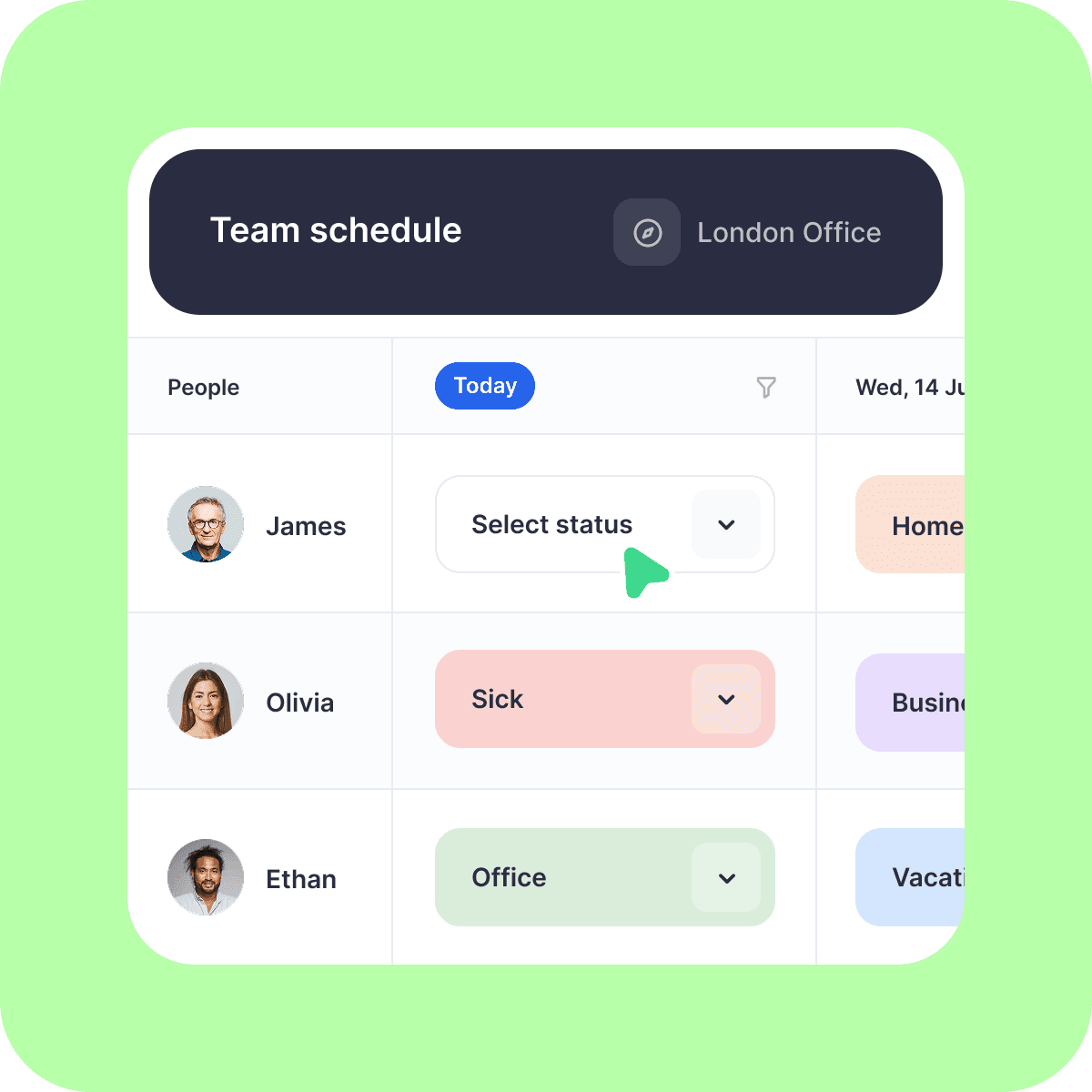


DESK BOOKING
Let's call dibs! on an organized office
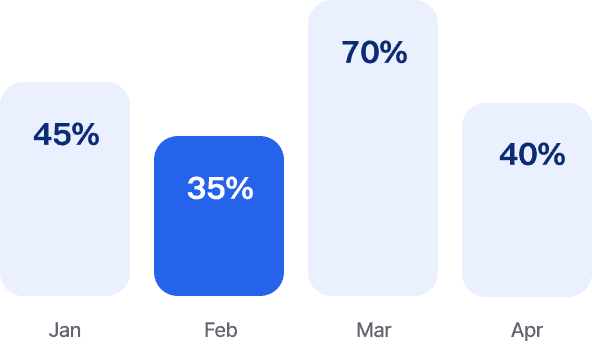
Analytics
Dibsido’s fluent in data. Get insights on desk usage, office peak days, and everything in between.
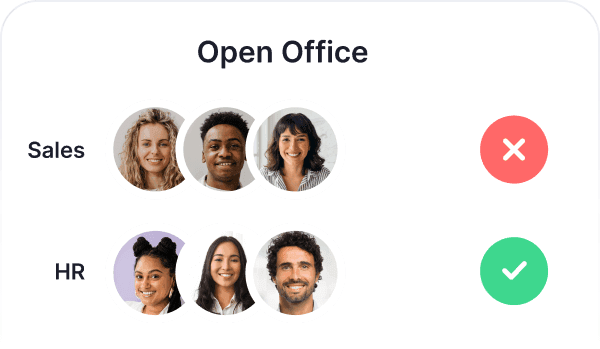
User Groups
Create groups by department and control who can book specific desks or areas.
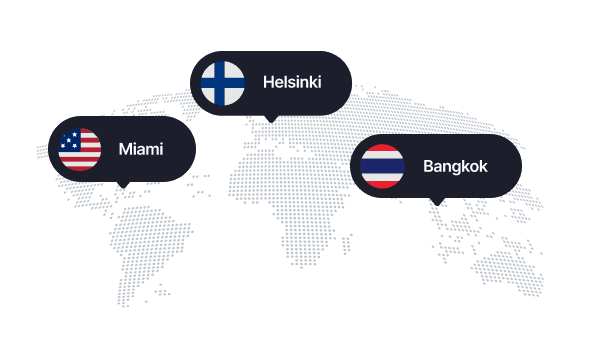
Branches
Whether it’s HQ or a remote branch, your team can easily book desks across all your locations.
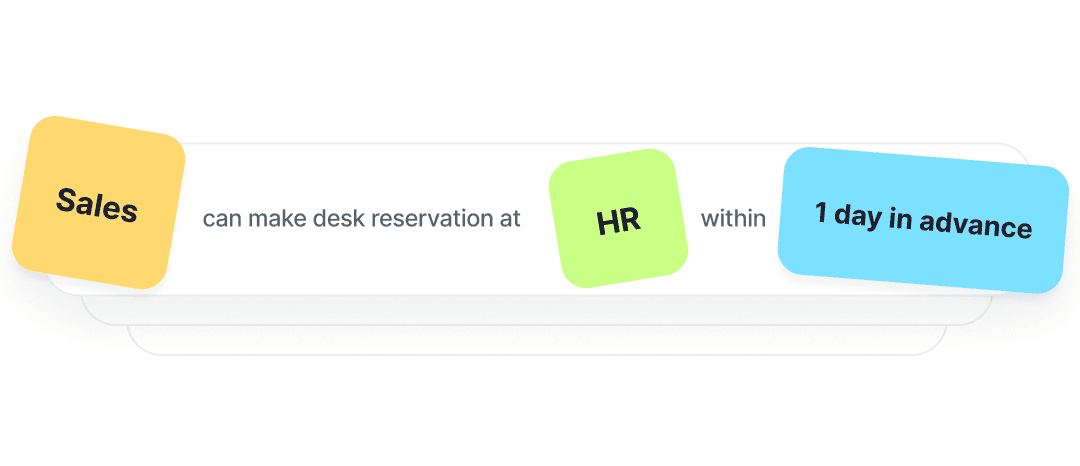
Booking rules
Design custom booking rules and assign priority access to desks in specific departments, so teams always have their spot.
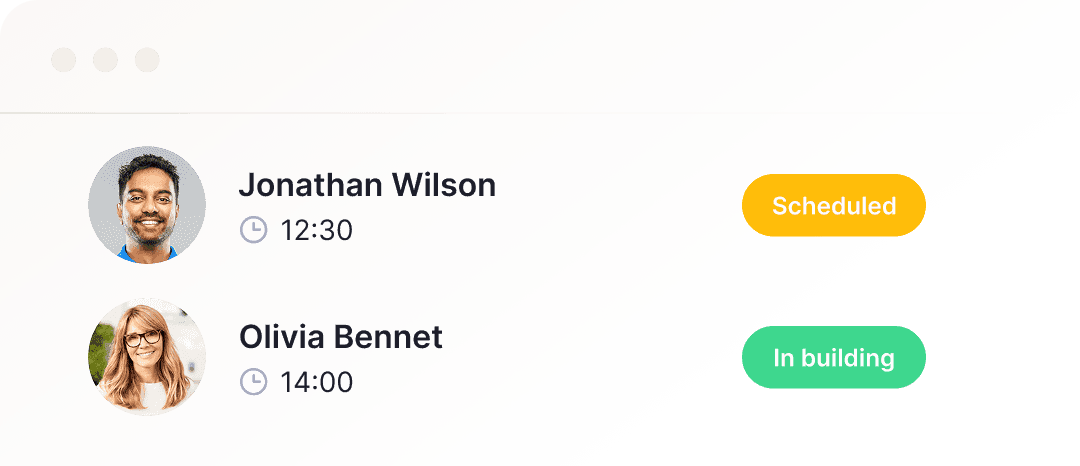
Visitors
Guests on the horizon? That calls for a proper welcome! Book them a desk and wow them with a smooth check-in.
QR Codes
Meet your new work buddy: a QR code on every desk for fast check-ins and reservations.
Microsoft Teams Integration
Native Teams integration. Book desks or meeting rooms using your existing Microsoft 365 login.
Languages
Customize the app to your liking and switch Dibsido to one of 12 languages.




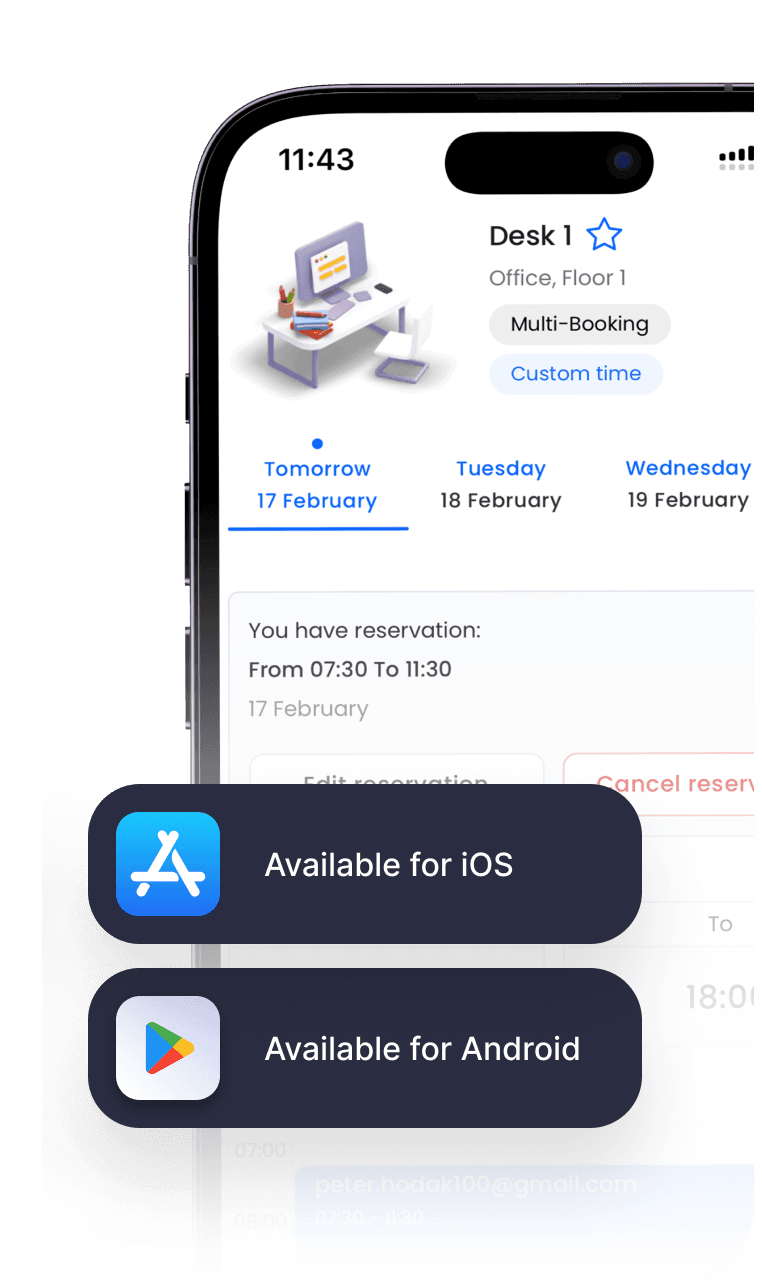
Mobile App
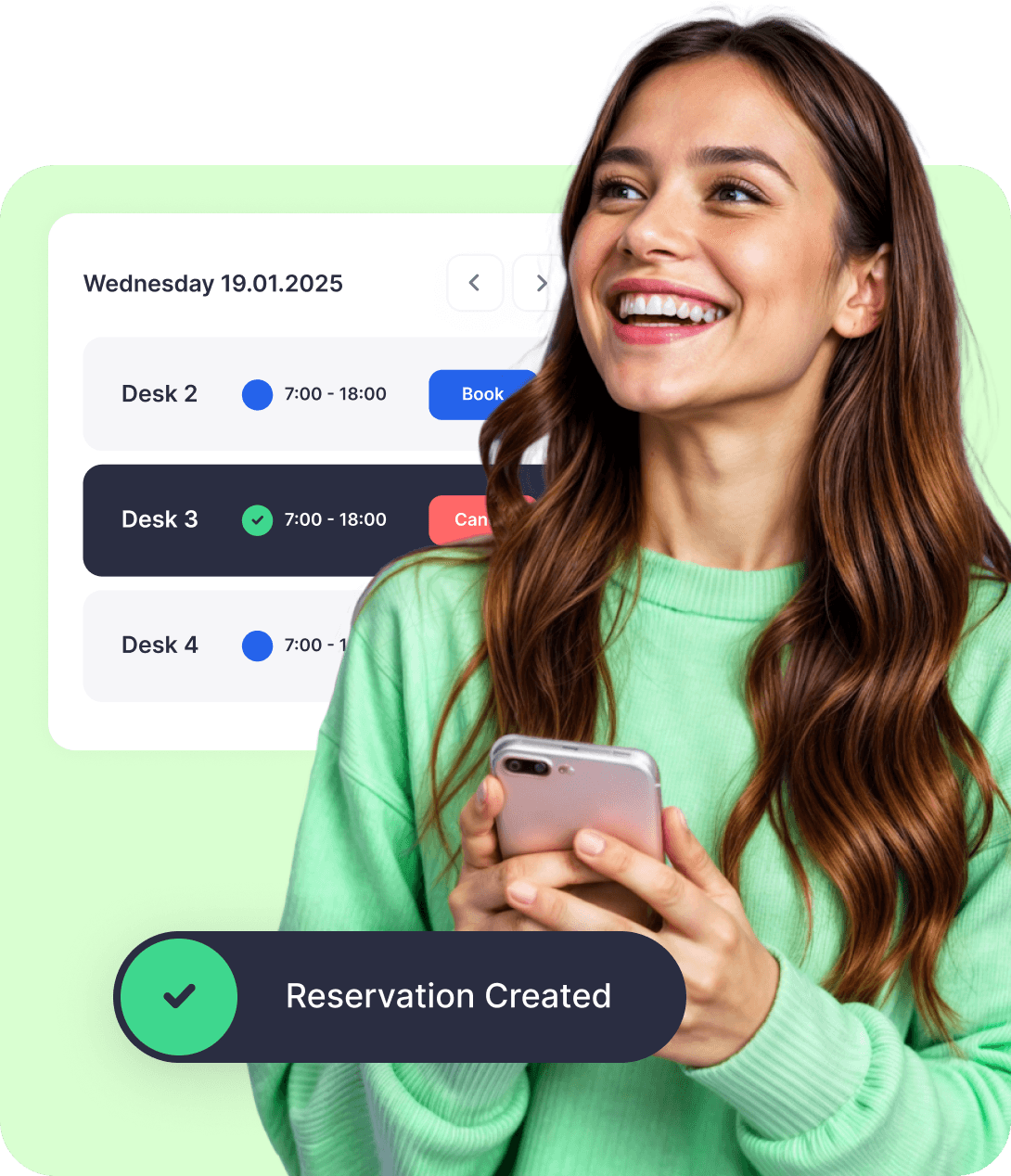
At the office, on the train, or on the couch—book your desk wherever life takes you. Available for iOS and Android.


INTEGRATIONS
Sync Dibsido with the tools you already use
Sign into Dibsido with Google or Microsoft account. Your bookings sync with your calendar, Teams integration, and Slack notifications keep you on track.






Frequently asked questions
Chances are, your question’s already been asked. We’ve put together a list of the most common ones.
What is a desk booking system?
A desk booking system is software that allows employees to easily reserve desks in advance for specific times and dates. These systems are especially useful in hybrid work environments, where employees alternate between working remotely and in the office.
Desk booking systems, also known as desk management systems, hot desking software, or hotelling, help employees find available workspaces, reserve them in advance, and avoid scheduling conflicts. This makes office space usage more efficient and transparent. At the same time, they help office or operations managers optimize space utilization, reduce overhead costs, and improve employee flexibility and satisfaction.
Beyond booking functionality, desk booking software typically includes features such as interactive floor plans, real-time availability tracking, calendar integration, custom booking preferences, space usage analytics, and more.
Modern office desk booking systems, such as Dibsido, are delivered as SaaS and typically come with mobile apps for easy access. This eliminates the need for customers to maintain on-premise systems and offers several advantages, including cost-effectiveness, ease of use, and scalability when adding new users or expanding to features like meeting room reservations or parking management.
Check out our blog on the best desk booking software to get a comparison of today’s leading hot desking vendors.
Does Microsoft have a desk booking system?
Yes. Microsoft Places, included with Microsoft 365, lets employees book rooms and desk pools from Outlook and Teams. According to Microsoft's documentation (updated August 2026), booking individual desks, automatic release of unclaimed desks and occupancy reports require a per-space license (Teams Shared Space) since April 2026, and floor plans have to be set up by an admin in the Places portal. Dibsido complements Microsoft 365 for offices that also need parking, visitor check-in, QR codes on desks and modular pricing without a license per desk. It works with the same Microsoft 365 login inside Teams and Outlook, so people book where they already work. Details on the Microsoft 365 desk booking page: /desk-booking-system-microsoft
Why is desk booking important?
Desk booking helps organizations manage office space more efficiently, gives employees better flexibility and work experience, and also contributes to environmental sustainability by reducing the need for excess office space.
Instead of assigning a fixed desk to each person, desk booking software allows employees to simply book workspaces as needed which reduces unused space and lowers real estate and operational costs. Employees in hybrid work environments can easily find and reserve desks that fit their needs, whether it's near teammates, close to a window, or equipped with special hardware.
For employers it is important that desk booking software provide insightful data on space usage, which supports better planning, resource allocation, and cost optimization.
What is the best desk booking software?
Based on user ratings from the respected review platform G2, the leading desk booking software solutions for enterprises are Skedda and Envoy. For mid-market and smaller organizations, the best fit is Dibsido.
Dibsido is praised for its intuitive user interface, quick self-onboarding, one-click booking features, ease of customization, and flexibility. It offers a free trial, reasonable pricing, and overall represents an excellent choice for organizations looking to streamline their desk booking and workspace management without unnecessary overhead.
What are the benefits of desk booking?
Using desk booking software brings benefits to both employees and employers:
Benefits for employees:
More flexibility, as employees can choose when and where to work in the office, supporting hybrid work preferences.
Less stress and confusion, since clear visibility into desk availability helps avoid double bookings and uncertainty.
Better work experience, thanks to features like mobile apps and interactive floor plans that make it easy to find and book a desk quickly.
Benefits for employers:
Optimized office space utilization, as desks are only used when needed, helping reduce unused space and lower overhead costs.
Smarter planning, with usage data that enables managers to make informed decisions about space allocation and office layout.
What software to use instead of Envoy for desk booking?
If you're looking for a more affordable and hassle-free alternative to Envoy's desk booking system, consider Dibsido. It focuses on what you really need – 5-minute self-onboarding and setup, an intuitive user interface, one-click desk booking, mobile apps and all the essential features without the enterprise-level overhead. It also lets you scale easily with additional options like meeting room reservation software, parking management, front desk tools, and more.
Do I need a credit card to try Dibsido?
Nope! You can start a free trial without a credit card. Before your trial ends, we’ll remind you to pick a plan—whether it’s free or paid—so you can keep using Dibsido.
Can I sign up with Google or Microsoft accounts?
Yes! You can sign up with Google or Microsoft SSO (Single Sign-On).
Is there a mobile app for Dibsido?
Yep! Dibsido is available on both iOS and Android.
What if I don’t have a floor plan or parking map?
No worries! Just let us know, and we’ll help you sort it out.
Where is my data stored?
We only collect what’s needed—like your email—to keep things running smoothly. All data is encrypted and securely stored on Microsoft servers in Frankfurt, Germany. You can download or delete your data anytime.